Article cover image

vIDM 3.3.5 HA

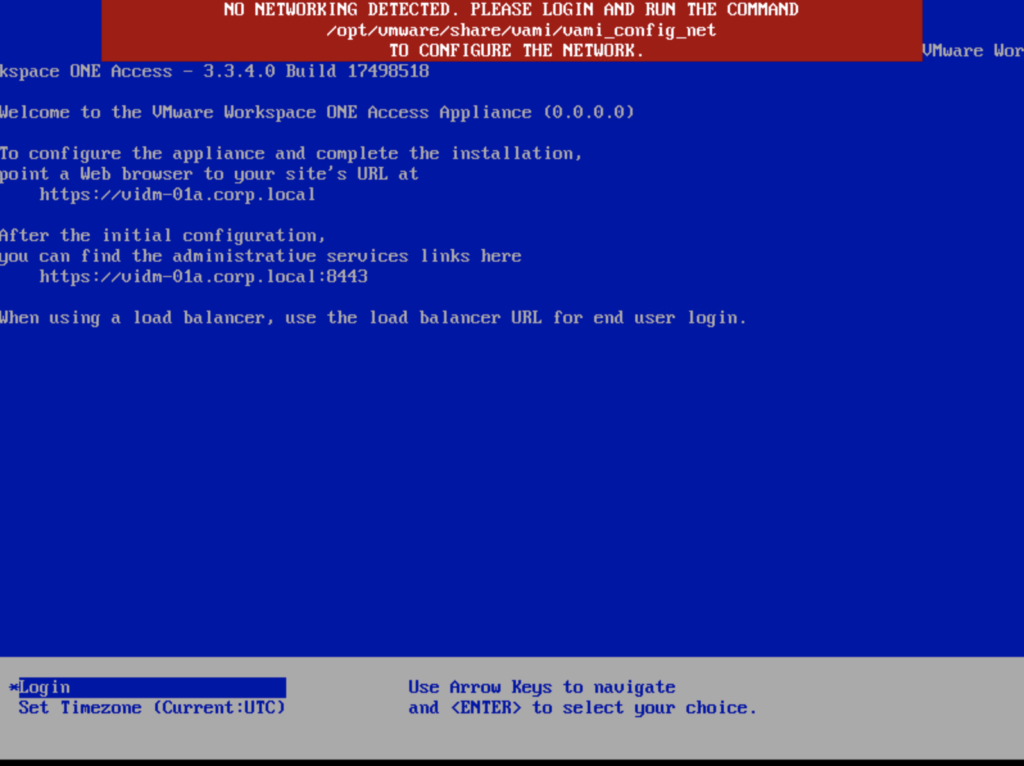
In this guide we will go over the vIDM 3.3.5 HA configuration. The official documentation can be found here Im going to assume that the load balancer configuration is already completed, the vIDM appliance has a the required certificate in the LCM inventory. Please read the official documentation for the full requirements. We will be using the scale out feature in Lifecycle Manager. To do so we can navigate to Lifecycle Operations -> Environments -> globalenvironment -> View Details -> Click on Add Components ...
December 13, 2021 · 2 min · Cosmin
Article cover image

Upgrading vIDM (VMware Identity Manager ) to 3.3.5 via vRSLCM

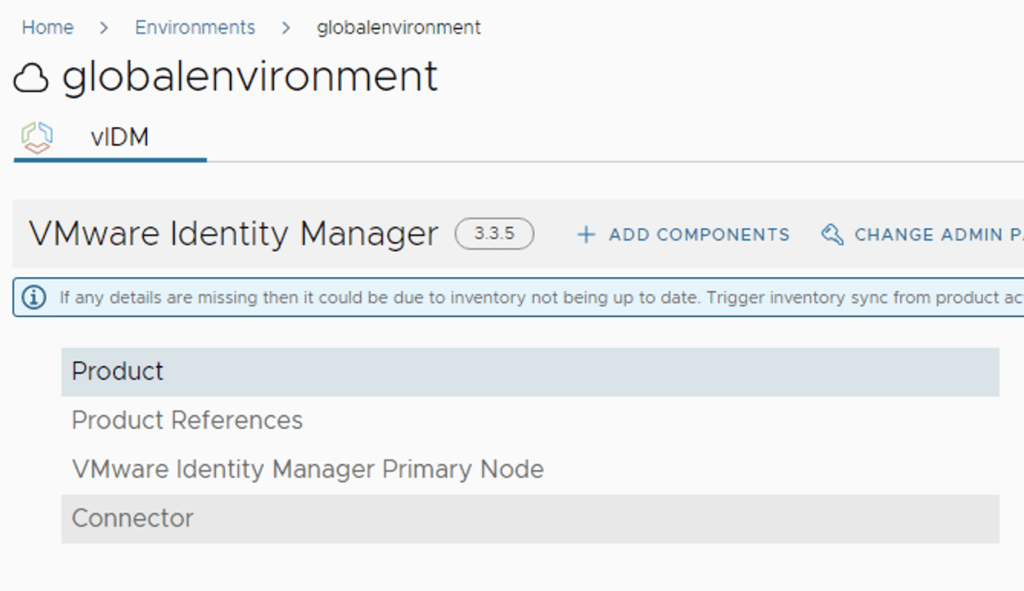
In this post i will go over upgrading my 3.3.3 vIDM appliance to 3.3.5 using vRSLCM (vRealize Suite Lifecycle Manager). If you want to upgrade to LCM 8.6 instructions can be found here. The upgrade already includes the latest Product Support Pack so an update to the Product Support Pack is not required. To get started we can go to vRealize Lifecycle Manager -> Lifecycle Operations -> Settings -> Binary Mapping. (If you haven’t added your My VMware credentials you will need to do that first by going to vRealize Lifecycle Manager -> Lifecycle Operations -> Settings -> My VMware) ...

October 25, 2021 · 2 min · Cosmin
Article cover image

Changing passwords for the vRealize suite via vRSLCM (vRealize Suite Lifecycle Manager)

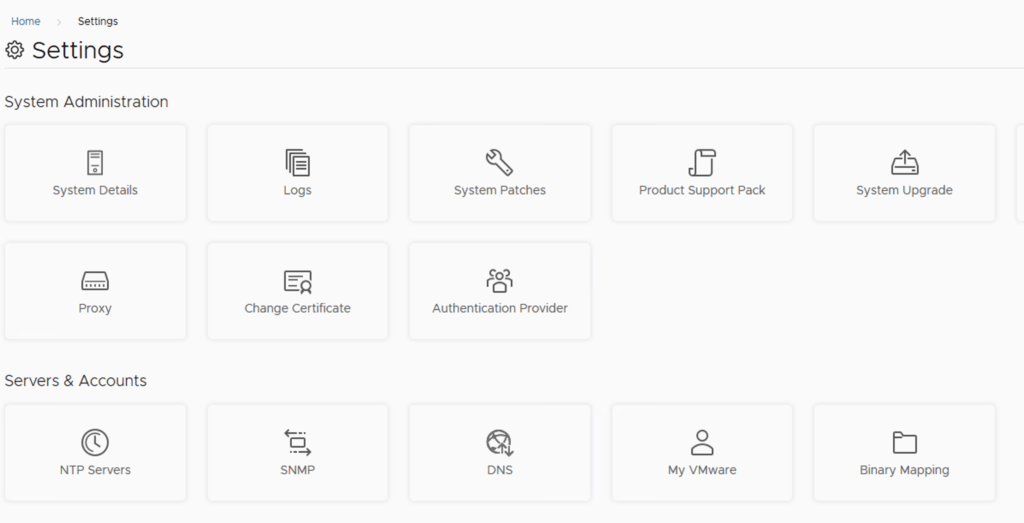
In this guide i will go over one of the Locker feature in vRealize Lifecycle Manager specifically the password management. As a reminder vRSLCM can manage the following: Type of Password Change vRealize Product Name Admin Password Change vRealize Automation, vRealize Operations Manager, vRealize Network Insight, vRealize Log Insight, VMware Identity Manager Root Password Change vRealize Automation, vRealize Operations Manager, vRealize Network Insight, vRealize Log Insight, VMware Identity Manager Support Password Change vRealize Network Insight Console User Password Change vRealize Network Insight SSH User Password Change VMware Identity Manager The first step is to create a new password. We can do so by going to Locker from the welcome screen or the menu on top right ...

May 19, 2021 · 2 min · Cosmin
Article cover image

vIDM upgrade to 3.3.4 no networking detected

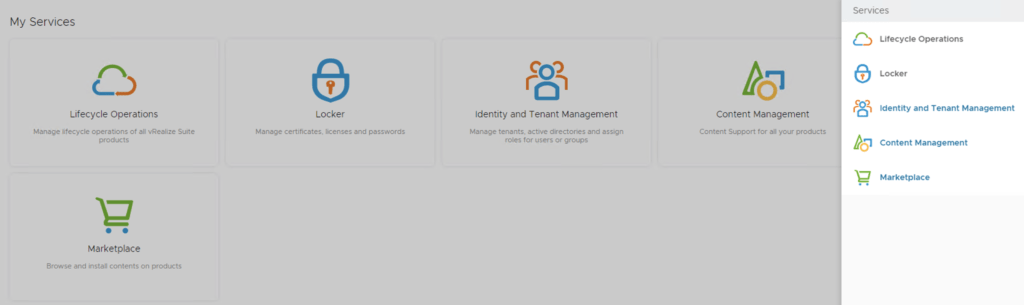
If you are like me and you tried to perform an upgrade of vIDM 3.3.x to 3.3.4 you were most likely greeted by no network connectivity after upgrade with the following screen: If you made a backup of the network configuration this is where we would restore it. If not we can perform it manually by running /opt/vmware/share/vami/vami_config_net Press 6 and go through the screens to configure the ip ...

February 17, 2021 · 1 min · Cosmin
Article cover image

vIDM 3.3.4 online upgrade

I wanted to go through the upgrade of vIDM 3.3.4 outside of lifecycle manager. I wanted to do it using the online upgrade via the console. Official documentation can be found here. First step is to log on to the console via the root credentials and upgrade the upgrade manager to 3.3.4 /usr/local/horizon/update/updatemgr.hzn updateinstaller Set the upgrade version that you are upgrading from in my case was 3.3.2 so i ran ...

February 17, 2021 · 1 min · Cosmin