Deploying vRA with vRealize Lifecycle Manager in a VCF 4 Environment
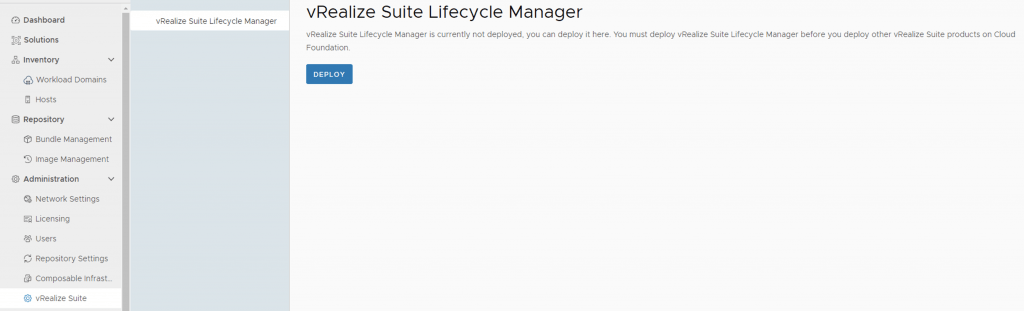
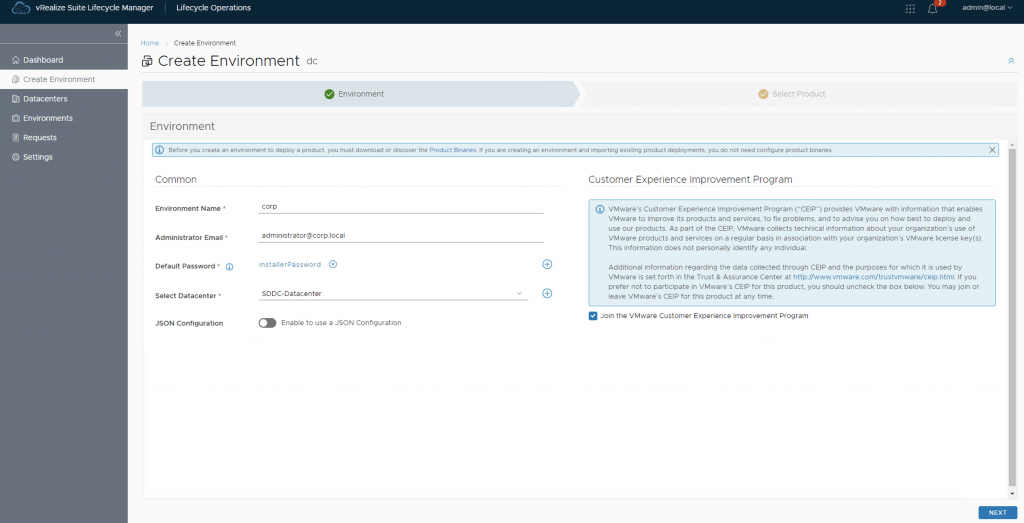
If you followed my previous posts Deploying the vRealize suite using VCF 4.0 and vRealize Lifeycycle Manager (vRSLCM) enable product dowloads you should now have vRA and vIDM already downloaded. In my previous post i went over the installation of vIDM which is a pre requisite for vRA. You can find the link here Next, we need to create a new environment that will be used to deploy vRA. For this we can go to Lifecycle Operations -> Create Environment. Fill in the necessary information and click next ...