License a Standalone ESX 9.0 Host with a Private License File (When the Trial Expired and vCenter Won’t Boot)

If you upgraded (or deployed) ESX/ESXi 9.0 in a lab and let the evaluation expire, you can end up in the classic chicken-and-egg situation: your vCenter is a VM, but you can’t power it on because the host is no longer licensed. With VCF / vSphere Foundation 9.0, licensing moved away from the old 25-character keys and into license files(normally handled through VCF Operations), which is great… until you don’t have VCF Ops up yet. (VMware Blogs) ...
February 23, 2026 · 5 min · Cosmin

Fixing “Received Too Large SFTP Packet” When Connecting to vCenter Using WinSCP

The Problem When trying to connect to a vCenter Server Appliance (VCSA) using WinSCP, many admins encounter the following error: Received too large (1433299822 B) SFTP packet. Max supported packet size is 1024000 B This occurs because the default shell used by the vCenter appliance (/bin/appliancesh) is not compatible with SFTP, which WinSCP attempts to use by default. The Solution To successfully connect to VCSA and transfer files using WinSCP, you need to: ...

June 11, 2025 · 2 min · Cosmin

vCenter update from the command line

Ive ran recently in to an issue where i couldnt perform an update from the admin UI, in order to get up and running i executed the following from a ssh shell. I was luky enough to find the documentation here /usr/lib/applmgmt/support/scripts/software-packages.py install --url Some of the additional options that could be used software-packages stage --url software-packages install --staged I like to perform the update from the command line because it gives me additional information that i might not be able to see in the UI ...

August 30, 2020 · 1 min · Cosmin
Article cover image

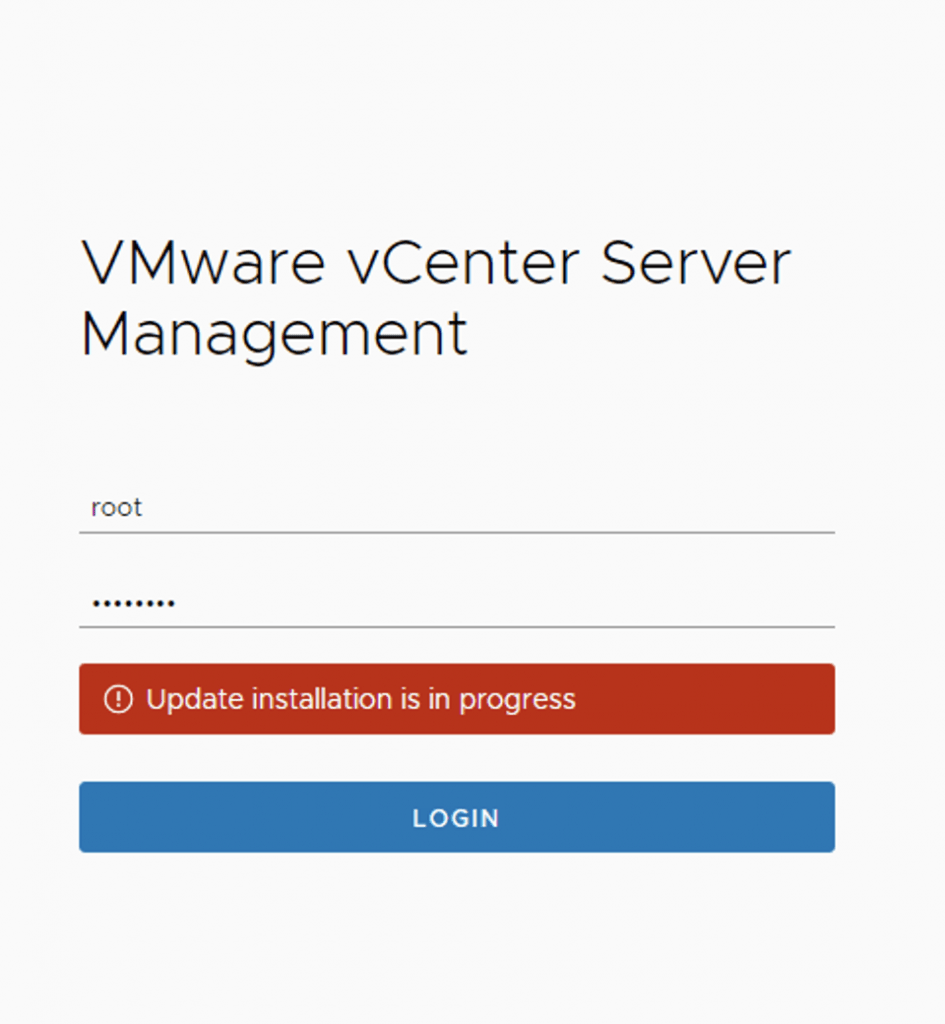
vCenter Appliance Update installation is in progress

I recently ran in to an issue where the vCenter server appliance update timed out. Rebooting the vCenter server brought the server back up but i was unable to log in to the administration section due to an Update installation in progress error Doing some research i found that there is a file that holds this information fount at /etc/applmgmt/appliance/software_update_state.conf At this point all i had to do was edit the file using vi ...

August 30, 2020 · 1 min · Cosmin