Upgrading vRA (vRealize Automation) to 8.5
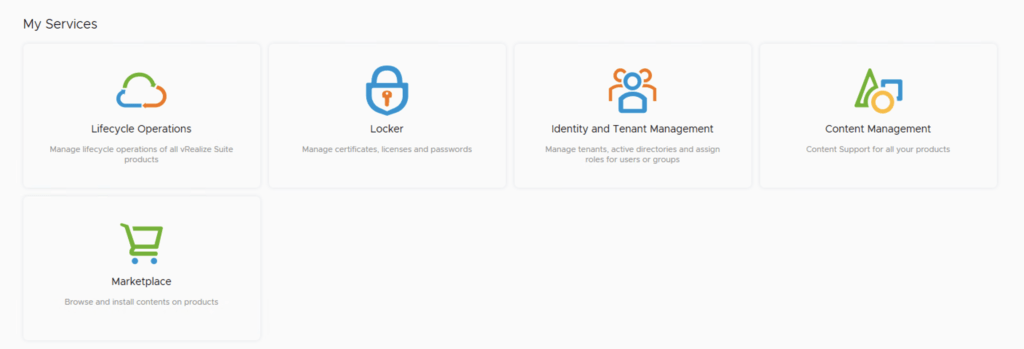
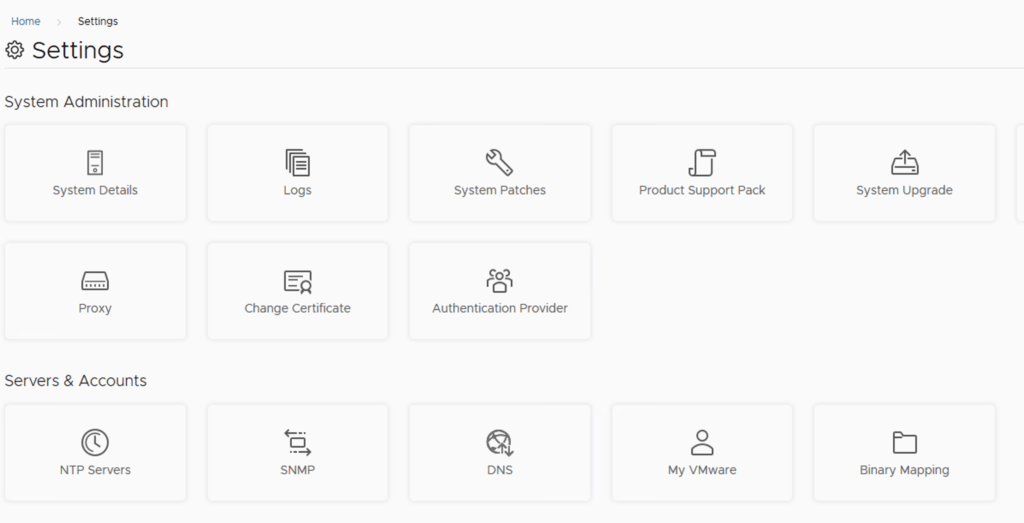
In this post i will go over upgrading my 8.x vRA appliance to 8.5. As a pre requirement we do need to have vRSLCM (vRealize Lifecycle Manager) upgraded to 8.4.1. Instructions can be found here. You will also need to apply the latest Product Support Pack (version 8.4.1.4). The instructions can be found here. To get started we can go to vRealize Lifecycle Manager -> Lifecycle Operations -> Settings -> Binary Mapping. (If you havent added your My VMware credentials you will need to do that first by going to vRealize Lifecycle Manager -> Lifecycle Operations -> Settings -> My VMware) ...