Article cover image

Upgrading SSC (SaltStack Config) to 8.12.1 using vRSLCM

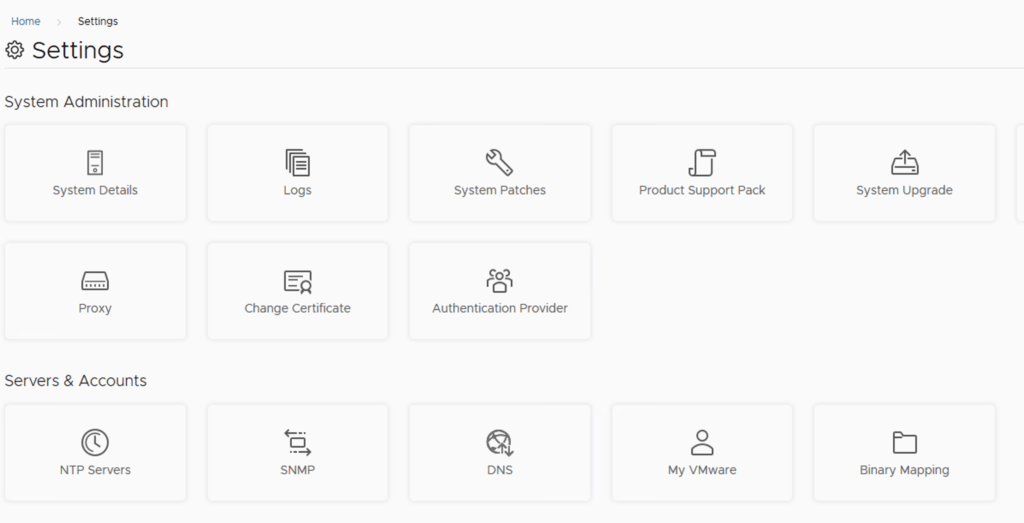
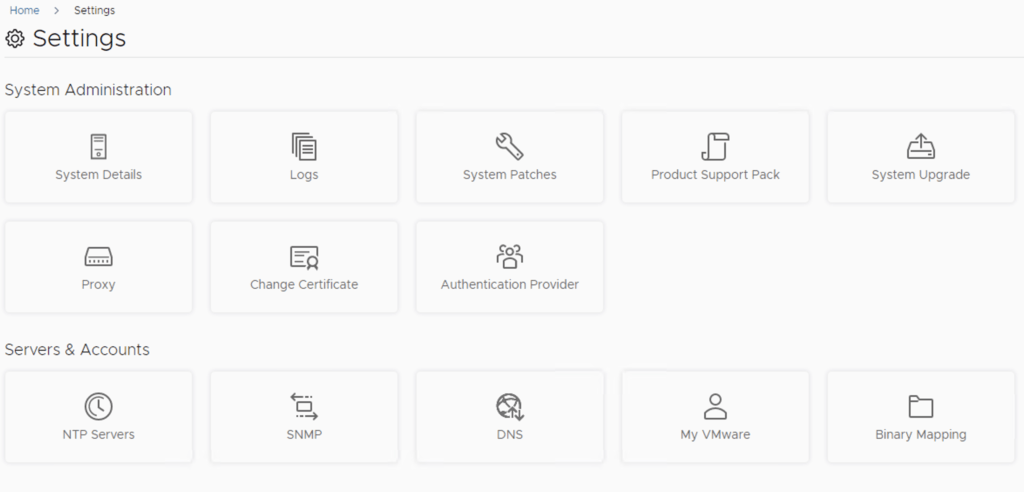
In this post i will go over upgrading my 8.x SSC appliance to 8.12.1. As a pre requirement we do need to have VMware Aria Suite Lifecycle upgraded to 8.12. Instructions can be found here. The upgrade does not include the latest PSPACK that contains the 8.12.1 SaltStack Config release. Instructions to get the PSPACK can be found on my other blog post here. To get started we can go to vRealize Lifecycle Manager -> Lifecycle Operations -> Settings -> Binary Mapping. (If you haven’t added your My VMware credentials you will need to do that first by going to vRealize Lifecycle Manager -> Lifecycle Operations -> Settings -> My VMware) ...
June 20, 2023 · 2 min · Cosmin
Article cover image

VMware Aria Suite Lifecycle Product Support Pack (PSPAK) Upgrade

In this guide i will go over the steps of getting an existing 8.x VMware Aria Suite Lifecycle (formerly vRSLCM vRealize Lifecycle Manager) appliance to support the latest product releases available. Here is a great blog that goes in to the details about what the Product Support Pack is https://blogs.vmware.com/management/2019/01/vrslcm-pspak.html. Typically the newer Product Support Pack is included part of the upgrade for LCM, however sometimes there are product releases in between releases where product support packs come in handy. ...

May 19, 2023 · 2 min · Cosmin
Article cover image

Upgrading SSC (SaltStack Config) to 8.11.1 using vRSLCM

In this post i will go over upgrading my 8.x SSC appliance to 8.11.1. As a pre requirement we do need to have vRSLCM (vRealize Lifecycle Manager) upgraded to 8.11.1. Instructions can be found here. The upgrade does not include the latest PSPACK that contains the 8.11.1 SaltStack Config release. Instructions to get the PSPACK can be found on my other blog post here. To get started we can go to vRealize Lifecycle Manager -> Lifecycle Operations -> Settings -> Binary Mapping. (If you haven’t added your My VMware credentials you will need to do that first by going to vRealize Lifecycle Manager -> Lifecycle Operations -> Settings -> My VMware) ...

February 22, 2023 · 2 min · Cosmin
Article cover image

Upgrading vIDM (VMware Identity Manager ) to 3.3.7 via vRSLCM

In this post i will go over upgrading my 3.3.6 vIDM appliance to 3.3.7 using vRSLCM (vRealize Suite Lifecycle Manager). If you want to upgrade to LCM 8.10 instructions can be found here. The upgrade does not include the latest PSPACK that contains the 3.3.7 vIDM release. Instructions to get the PSPACK can be found on my other blog post here. To get started we can go to vRealize Lifecycle Manager -> Lifecycle Operations -> Settings -> Binary Mapping. (If you haven’t added your My VMware credentials you will need to do that first by going to vRealize Lifecycle Manager -> Lifecycle Operations -> Settings -> My VMware) ...

February 3, 2023 · 3 min · Cosmin
Article cover image

vRSLCM (vRealize Lifecycle Manager) Product Support Pack

In this guide i will go over the steps of getting an existing 8.x vRSLCM appliance to support the latest product releases available. Here is a great blog that goes in to the details about what the Product Support Pack is https://blogs.vmware.com/management/2019/01/vrslcm-pspak.html. Typically the newer Product Support Pack is included part of the upgrade for LCM, however sometimes there are product releases in between releases where product support packs come in handy. ...

February 3, 2023 · 2 min · Cosmin

SaltStack: The Ultimate Tool for Windows Patch Management

Windows systems are vulnerable to security threats and need to be regularly patched to protect against these threats. However, managing patches for a large number of Windows systems can be a tedious and time-consuming task. This is where SaltStack comes in to help. SaltStack is a popular open-source configuration management and orchestration tool that can be used to manage Windows systems, including patch management. In this blog, we will discuss how to use SaltStack to patch Windows systems. ...

January 31, 2023 · 3 min · Cosmin
Article cover image

Upgrading SSC (SaltStack Config) to 8.9.1 using vRSLCM

In this post i will go over upgrading my 8.x SSC appliance to 8.9.1. As a pre requirement we do need to have vRSLCM (vRealize Lifecycle Manager) upgraded to 8.8.2. Instructions can be found here. The upgrade doesn’t include the required Product support pack. Instructions on how to get the latest support pack can be found here. To get started we can go to vRealize Lifecycle Manager -> Lifecycle Operations -> Settings -> Binary Mapping. (If you haven’t added your My VMware credentials you will need to do that first by going to vRealize Lifecycle Manager -> Lifecycle Operations -> Settings -> My VMware) ...

September 10, 2022 · 2 min · Cosmin
Article cover image

Upgrading vRA (vRealize Automation) to 8.9.1

In this post i will go over upgrading my 8.x vRA appliance to 8.9. As a pre requirement we do need to have vRSLCM (vRealize Lifecycle Manager) upgraded to 8.8.2 Instructions can be found here. The upgrade doesn’t include the required Product support pack. Instructions on how to get the latest product support pack can be found here. To get started we can go to vRealize Lifecycle Manager -> Lifecycle Operations -> Settings -> Binary Mapping. (If you haven’t added your My VMware credentials you will need to do that first by going to vRealize Lifecycle Manager -> Lifecycle Operations -> Settings -> My VMware) ...

September 10, 2022 · 3 min · Cosmin
Article cover image

Upgrading SSC (SaltStack Config) to 8.9 using vRSLCM

In this post i will go over upgrading my 8.x SSC appliance to 8.9. As a pre requirement we do need to have vRSLCM (vRealize Lifecycle Manager) upgraded to 8.8.2. Instructions can be found here. The upgrade doesn’t include the required Product support pack. Instructions on how to get the latest support pack can be found here. To get started we can go to vRealize Lifecycle Manager -> Lifecycle Operations -> Settings -> Binary Mapping. (If you haven’t added your My VMware credentials you will need to do that first by going to vRealize Lifecycle Manager -> Lifecycle Operations -> Settings -> My VMware) ...

September 9, 2022 · 2 min · Cosmin
Article cover image

Upgrading vRA (vRealize Automation) to 8.9.0

In this post i will go over upgrading my 8.x vRA appliance to 8.9. As a pre requirement we do need to have vRSLCM (vRealize Lifecycle Manager) upgraded to 8.8.2 Instructions can be found here. The upgrade doesn’t include the required Product support pack. Instructions on how to get the latest support pack can be found here. To get started we can go to vRealize Lifecycle Manager -> Lifecycle Operations -> Settings -> Binary Mapping. (If you haven’t added your My VMware credentials you will need to do that first by going to vRealize Lifecycle Manager -> Lifecycle Operations -> Settings -> My VMware) ...

September 9, 2022 · 3 min · Cosmin