Article cover image

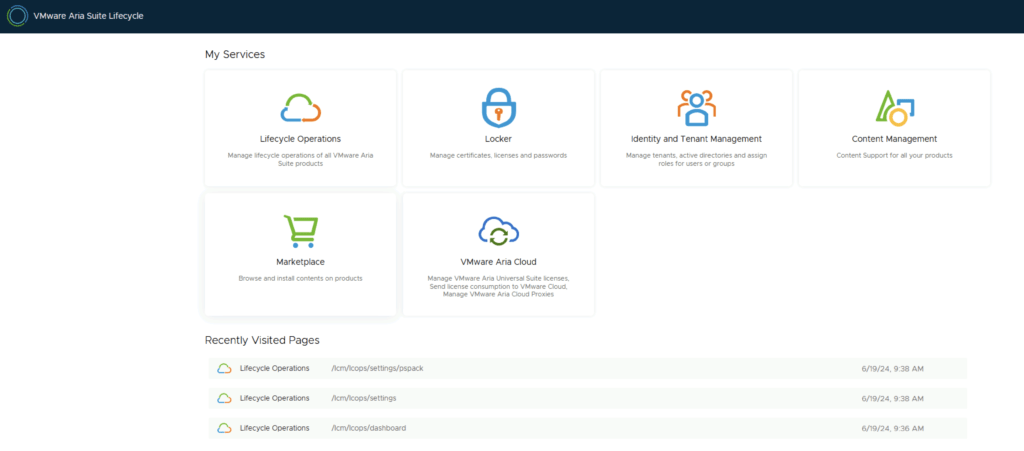
Aria Suite Lifecycle 8.18 Product Support Pack (PSPACK) upgrade - manual version

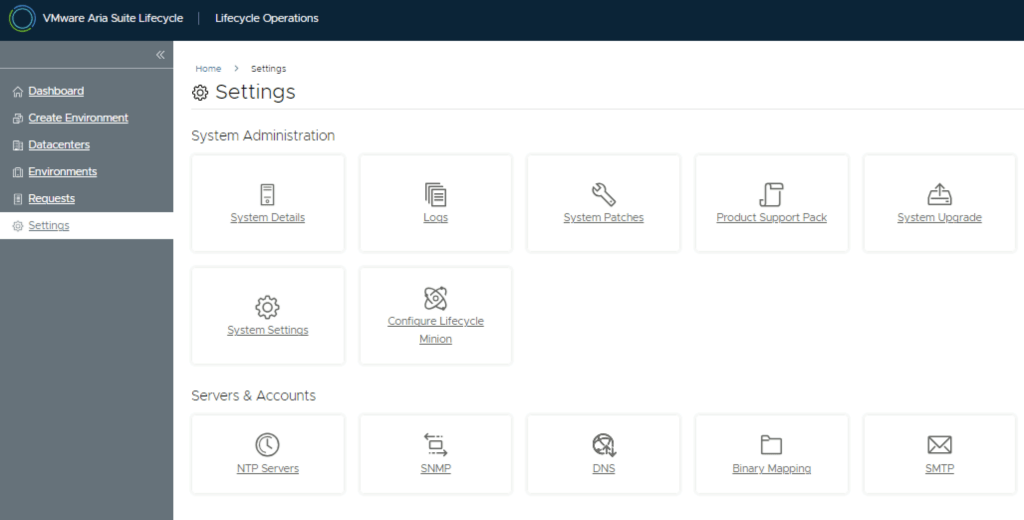
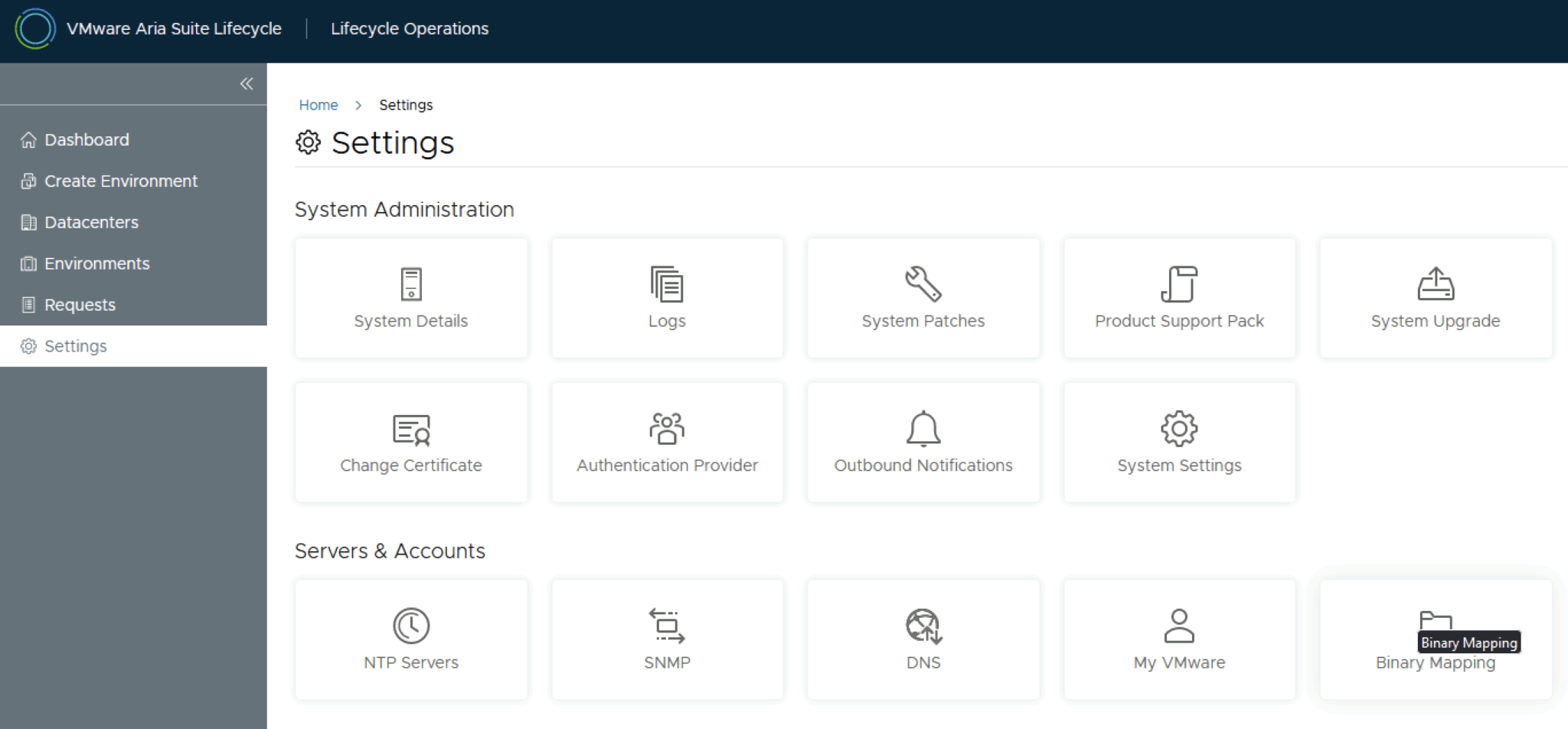
In this guide i will go over the manual steps of getting an existing 8.x Aria Suite Lifecycle appliance to support the latest product releases available. Here is a great blog that goes in to the details about what the Product Support Pack is https://blogs.vmware.com/management/2019/01/vrslcm-pspak.html. Typically the newer Product Support Pack is included part of the upgrade for Aria Suite Lifecycle, however sometimes there are product releases in between releases where product support packs come in handy. As of 8.16.0 Product Support Pack 4 we can no longer automatically download the Product Support Pack files. The release notes can be found here. ...
October 15, 2024 · 2 min · Cosmin
Article cover image

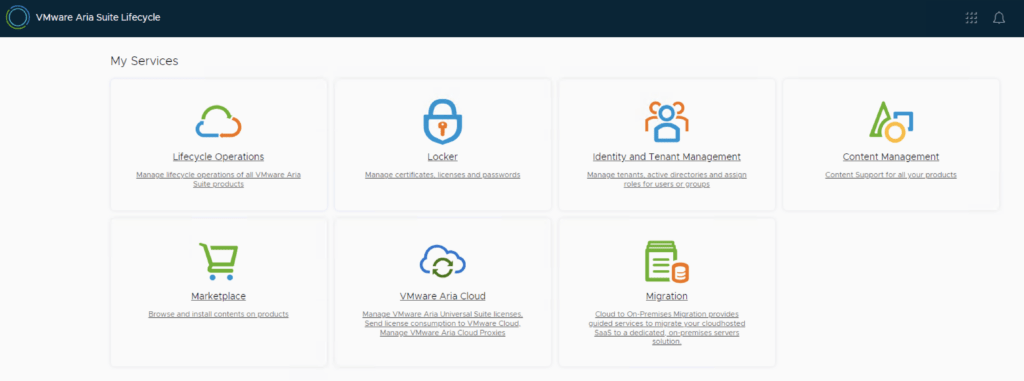
Upgrading VMware Aria Automation to 8.18

In this post, I will cover upgrading my 8.x Aria Automation appliance to version 8.18. As a prerequisite, we need to have VMware Aria Suite Lifecycle upgraded to 8.18. Instructions can be found here. Note: Following the VMware by Broadcom Day 2 transition on May 6, 2024, Customer Connect has been migrated to the Broadcom Support. This migration impacts the VMware Aria Suite Lifecycle as follows: All Product Support Packs, along with product and patch binaries, will now need to be downloaded from the Broadcom Support Portal Users must then manually map these into the VMware Aria Suite Lifecycle VMware Aria Suite Lifecycle can be upgraded using “Check Online” method. Product Support Packs are cumulative, incorporating all updates from previous product support packs as well as patches into the latest version. The Aria Automation binaries can be downloaded from here. In my case, it was VMware Aria Automation 8.18.0 Update Repository (Prelude_VA-8.18.0.35770-24024333-updaterepo.iso). Once downloaded, LCM supports local or NFS mappings. In my case, I uploaded the binary in /data ...

July 28, 2024 · 3 min · Cosmin
Article cover image

Upgrading Aria Operations for Logs to 8.16.1 via VMware Aria Suite Lifecycle

In this post, I will guide you through upgrading your 8.x vRLI appliance to Aria Operations for Logs 8.16.1 using VMware Aria Suite Lifecycle. Before proceeding, ensure that your VMware Aria Suite Lifecycle is upgraded to version 8.16. You can find the upgrade instructions here. Note that the upgrade does not include the latest PSPACK containing the 8.16.1 Aria Operations for Logs release. Instructions for obtaining the PSPACK are available in here. ...

June 26, 2024 · 2 min · Cosmin
Article cover image

Upgrading Aria Operations to 8.17.2 via Aria Suite Lifecycle

In this post i will go over upgrading my 8.x Aria Operations appliance to 8.17.2 using Aria Suite Lifecycle. As a pre requirement we do need to have Aria Suite Lifecycle upgraded to 8.16. Instructions can be found here. The upgrade does not include the latest Product Support Pack. We can apply the latest Product Support Pack following the instructions here. To get started we can go to Aria Suite Lifecycle -> Lifecycle Operations -> Settings -> Binary Mapping. (If you haven’t added your My VMware credentials you will need to do that first by going to Aria Suite Lifecycle -> Lifecycle Operations -> Settings -> My VMware) ...

June 20, 2024 · 3 min · Cosmin
Article cover image

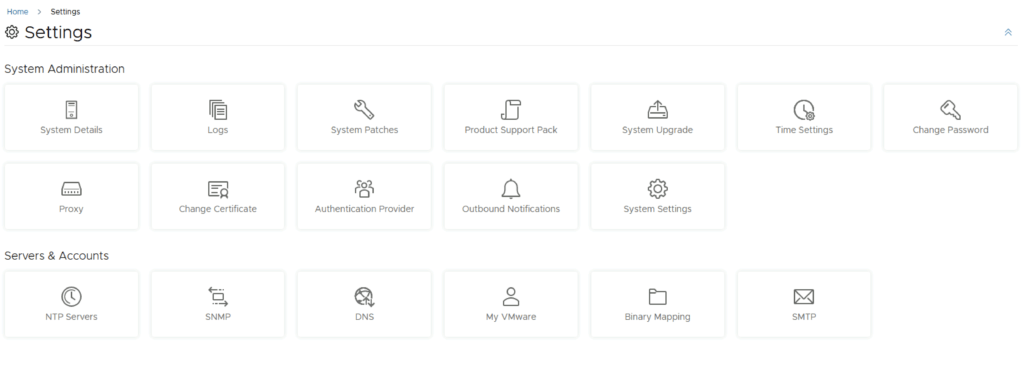
Aria Suite Lifecycle Product Support Pack (PSPACK) upgrade - manual version

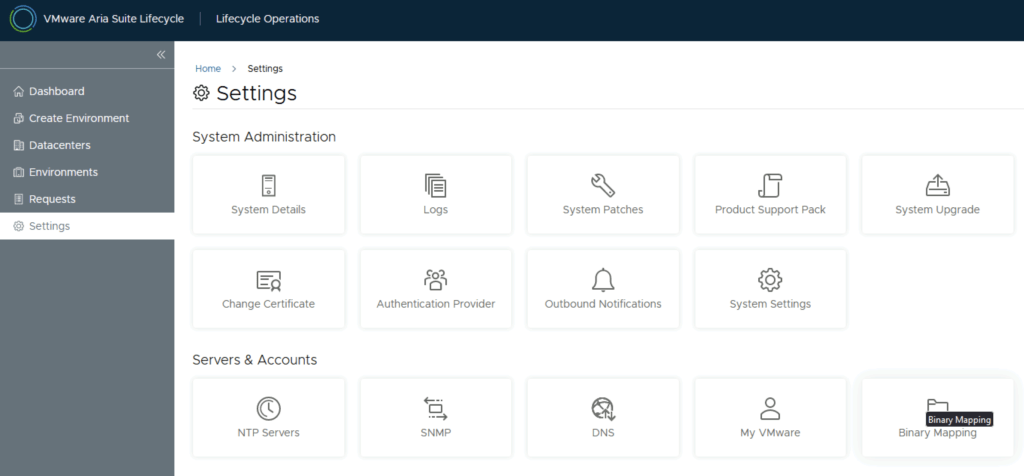
In this guide i will go over the manual steps of getting an existing 8.x Aria Suite Lifecycle appliance to support the latest product releases available. Here is a great blog that goes in to the details about what the Product Support Pack is https://blogs.vmware.com/management/2019/01/vrslcm-pspak.html. Typically the newer Product Support Pack is included part of the upgrade for Aria Suite Lifecycle, however sometimes there are product releases in between releases where product support packs come in handy. As of 8.16.0 Product Support Pack 4 we can no longer automatically download the Product Support Pack files. The release notes can be found here. ...
June 19, 2024 · 2 min · Cosmin
Article cover image

Upgrading Aria Operations to 8.17.1 via Aria Suite Lifecycle

In this post i will go over upgrading my 8.x Aria Operations appliance to 8.17.1 using Aria Suite Lifecycle. As a pre requirement we do need to have Aria Suite Lifecycle upgraded to 8.16. Instructions can be found here. The upgrade does not include the latest Product Support Pack. We can apply the latest Product Support Pack following the instructions here. To get started we can go to Aria Suite Lifecycle -> Lifecycle Operations -> Settings -> Binary Mapping. (If you haven’t added your My VMware credentials you will need to do that first by going to Aria Suite Lifecycle -> Lifecycle Operations -> Settings -> My VMware) ...

June 19, 2024 · 3 min · Cosmin
Article cover image

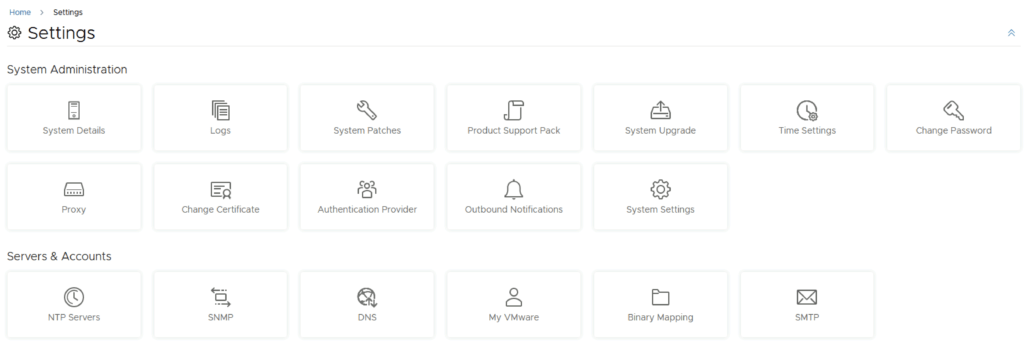
Aria Suite Lifecycle Product Support Pack (PSPACK) upgrade

In this guide i will go over the steps of getting an existing 8.x Aria Suite Lifecycle appliance to support the latest product releases available. Here is a great blog that goes in to the details about what the Product Support Pack is https://blogs.vmware.com/management/2019/01/vrslcm-pspak.html. Typically the newer Product Support Pack is included part of the upgrade for Aria Suite Lifecycle, however sometimes there are product releases in between releases where product support packs come in handy. ...

June 19, 2024 · 2 min · Cosmin

VCF depot build numbers

Bundle Product Version Size Bundle Component Bundle Type bundle-111778 5.1.1.0 605.7 ESX_HOST-8.0.2-23305546 PATCH bundle-111779 5.1.1.0 11381.3 NSX_T_MANAGER-4.1.2.3.0-23382408 PATCH bundle-111777 5.1.1.0 0 SDDC_MANAGER_VCF-5.1.1.0-23480823 PATCH (Drift) bundle-111776 5.1.1.0 2331.6 SDDC_MANAGER_VCF-5.1.1.0-23480823 PATCH bundle-111781 5.1.1.0 17064.2 VCENTER-8.0.2.00200-23319993 PATCH bundle-111780 5.1.1.0 14664.6 NSX_T_MANAGER-4.1.2.3.0-23382408 INSTALL bundle-111782 5.1.1.0 10742.4 VCENTER-8.0.2.00200-23319993 INSTALL bundle-110346 5.1.1.0 1847.9 VRSLCM-8.16.0-23377566 INSTALL bundle-99536 5.1.0.0 640 ESX_HOST-8.0.2-22380479 PATCH bundle-99541 5.1.0.0 10500.4 NSX_T_MANAGER-4.1.2.1.0-22667789 PATCH bundle-99539 5.1.0.0 2089.2 SDDC_MANAGER_VCF-5.1.0.0-22688368 PATCH bundle-99540 5.1.0.0 0 SDDC_MANAGER_VCF-5.1.0.0-22688368 PATCH (Drift) bundle-99537 5.1.0.0 16801.6 VCENTER-8.0.2.00100-22617221 PATCH bundle-99542 5.1.0.0 14606.2 NSX_T_MANAGER-4.1.2.1.0-22667789 INSTALL bundle-99538 5.1.0.0 10493 VCENTER-8.0.2.00100-22617221 INSTALL bundle-98366 5.1.0.0 1817.8 VRSLCM-8.14.0-22630472 INSTALL bundle-94375 5.0.0.1 2044.9 SDDC_MANAGER_VCF-5.0.0.1-22485660 PATCH bundle-94376 5.0.0.1 251.5 SDDC_MANAGER_VCF-5.0.0.1-22485660 PATCH (Drift) bundle-80035 5.0.0.0 599.5 ESX_HOST-8.0.1-21813344 PATCH bundle-80031 5.0.0.0 10089.9 NSX_T_MANAGER-4.1.0.2.0-21761691 PATCH bundle-80030 5.0.0.0 251.3 SDDC_MANAGER_VCF-5.0.0.0-21822418 PATCH (Drift) bundle-80029 5.0.0.0 2044.7 SDDC_MANAGER_VCF-5.0.0.0-21822418 PATCH bundle-80033 5.0.0.0 9867.6 VCENTER-8.0.1.00100-21815093 PATCH bundle-80032 5.0.0.0 13874.6 NSX_T_MANAGER-4.1.0.2.0-21761691 INSTALL bundle-80034 5.0.0.0 9867.6 VCENTER-8.0.1.00100-21815093 INSTALL bundle-79587 5.0.0.0 1091.8 VRSLCM-8.10.0-21331275 INSTALL bundle-83610 4.5.2.0 382.1 ESX_HOST-7.0.3-21930508 PATCH bundle-87318 4.5.2.0 8615.4 NSX_T_MANAGER-3.2.3.1.0-22104592 PATCH bundle-88445 4.5.2.0 2012.6 SDDC_MANAGER_VCF-4.5.2.0-22223457 PATCH bundle-88446 4.5.2.0 250.5 SDDC_MANAGER_VCF-4.5.2.0-22223457 PATCH (Drift) bundle-81146 4.5.2.0 6420 VCENTER-7.0.3.01500-21784236 PATCH bundle-87319 4.5.2.0 10618.2 NSX_T_MANAGER-3.2.3.1.0-22104592 INSTALL bundle-81147 4.5.2.0 8575.4 VCENTER-7.0.3.01500-21784236 INSTALL bundle-84015 4.5.2.0 1091.3 VRSLCM-8.10.0-21950667 INSTALL bundle-73789 4.5.1.0 381.8 ESX_HOST-7.0.3-21424296 PATCH bundle-73785 4.5.1.0 8402.7 NSX_T_MANAGER-3.2.2.1.0-21487560 PATCH bundle-77261 4.5.1.0 2150 SDDC_MANAGER_VCF-4.5.1.0-21682411 PATCH bundle-77262 4.5.1.0 250.2 SDDC_MANAGER_VCF-4.5.1.0-21682411 PATCH (Drift) bundle-73787 4.5.1.0 6419.8 VCENTER-7.0.3.01400-21477706 PATCH bundle-73786 4.5.1.0 10461.8 NSX_T_MANAGER-3.2.2.1.0-21487560 INSTALL bundle-73788 4.5.1.0 8575.1 VCENTER-7.0.3.01400-21477706 INSTALL bundle-61598 4.5.0.0 382.9 ESX_HOST-7.0.3-20328353 PATCH bundle-62768 4.5.0.0 8064 NSX_T_MANAGER-3.2.1.2.0-20541212 PATCH bundle-63600 4.5.0.0 247.6 SDDC_MANAGER_VCF-4.5.0.0-20612863 PATCH (Drift) bundle-63599 4.5.0.0 2106 SDDC_MANAGER_VCF-4.5.0.0-20612863 PATCH bundle-61594 4.5.0.0 6381.1 VCENTER-7.0.3.01000-20395099 PATCH bundle-62769 4.5.0.0 10053.7 NSX_T_MANAGER-3.2.1.2.0-20541212 INSTALL bundle-61596 4.5.0.0 8344.2 VCENTER-7.0.3.01000-20395099 INSTALL bundle-62801 4.5.0.0 1085.4 VRSLCM-8.8.2-20080494 INSTALL bundle-58347 4.4.1.1 10246.1 SDDC_MANAGER_VCF-4.4.1.1-19948546 PATCH bundle-58348 4.4.1.1 233.8 SDDC_MANAGER_VCF-4.4.1.1-19948546 PATCH (Drift) bundle-56937 4.4.1.0 395.5 ESX_HOST-7.0.3-19482537 PATCH bundle-57347 4.4.1.0 7127.2 NSX_T_MANAGER-3.1.3.7.4-19762317 PATCH bundle-57344 4.4.1.0 10246.2 SDDC_MANAGER_VCF-4.4.1.0-19766960 PATCH bundle-57346 4.4.1.0 233.8 SDDC_MANAGER_VCF-4.4.1.0-19766960 PATCH (Drift) bundle-55743 4.4.1.0 7139 VCENTER-7.0.3.00500-19480866 PATCH bundle-57348 4.4.1.0 8535.7 NSX_T_MANAGER-3.1.3.7.4-19762317 INSTALL bundle-55745 4.4.1.0 9202.7 VCENTER-7.0.3.00500-19480866 INSTALL bundle-52995 4.4.0.0 395.3 ESX_HOST-7.0.3-19193900 PATCH bundle-52980 4.4.0.0 7154.5 NSX_T_MANAGER-3.1.3.5.0-19068434 PATCH bundle-56535 4.4.0.0 230.4 SDDC_MANAGER_VCF-4.4.0.0-19617653 PATCH (Drift) bundle-53432 4.4.0.0 230.3 SDDC_MANAGER_VCF-4.4.0.0-19312029 PATCH (Drift) bundle-53431 4.4.0.0 10188.6 SDDC_MANAGER_VCF-4.4.0.0-19312029 PATCH bundle-52986 4.4.0.0 7223.8 VCENTER-7.0.3.00300-19234570 PATCH bundle-52611 4.4.0.0 905.6 VRSLCM-8.6.2-19221620 PATCH bundle-52982 4.4.0.0 8610 NSX_T_MANAGER-3.1.3.5.0-19068434 INSTALL bundle-52990 4.4.0.0 9244.9 VCENTER-7.0.3.00300-19234570 INSTALL bundle-52610 4.4.0.0 1111.3 VRSLCM-8.6.2-19221620 INSTALL bundle-52704 4.3.1.1 10695.5 SDDC_MANAGER_VCF-4.3.1.1-19235535 PATCH bundle-52705 4.3.1.1 230.5 SDDC_MANAGER_VCF-4.3.1.1-19235535 PATCH (Drift) bundle-47505 4.3.1.0 389.4 ESX_HOST-7.0.2-18426014 PATCH bundle-47501 4.3.1.0 7105.9 NSX_T_MANAGER-3.1.3.1.0-18504668 PATCH bundle-48392 4.3.1.0 230.5 SDDC_MANAGER_VCF-4.3.1.0-18624509 PATCH (Drift) bundle-48390 4.3.1.0 10336.5 SDDC_MANAGER_VCF-4.3.1.0-18624509 PATCH bundle-47503 4.3.1.0 5394 VCENTER-7.0.2.00500-18455184 PATCH bundle-47700 4.3.1.0 6207.1 VRA-8.5.0-18472703 PATCH bundle-47696 4.3.1.0 759.9 VRLI-8.4.1-18136317 PATCH bundle-47698 4.3.1.0 3141.6 VROPS-8.5.0-18255622 PATCH bundle-47703 4.3.1.0 847.8 VRSLCM-8.4.1-18537943 PATCH bundle-47502 4.3.1.0 8501.4 NSX_T_MANAGER-3.1.3.1.0-18504668 INSTALL bundle-47504 4.3.1.0 7383.3 VCENTER-7.0.2.00500-18455184 INSTALL bundle-47701 4.3.1.0 6632.3 VRA-8.5.0-18472703 INSTALL bundle-47695 4.3.1.0 1414.8 VRLI-8.4.1-18136317 INSTALL bundle-47697 4.3.1.0 2563.3 VROPS-8.5.0-18255622 INSTALL bundle-47702 4.3.1.0 1037.1 VRSLCM-8.4.1-18537943 INSTALL bundle-43745 4.3.0.0 390.1 ESX_HOST-7.0.2-17867351 PATCH bundle-46466 4.3.0.0 7123.1 NSX_T_MANAGER-3.1.3.0.0-18328989 PATCH bundle-47006 4.3.0.0 10331.2 SDDC_MANAGER_VCF-4.3.0.0-18433963 PATCH bundle-47008 4.3.0.0 230.3 SDDC_MANAGER_VCF-4.3.0.0-18433963 PATCH (Drift) bundle-46468 4.3.0.0 5394.4 VCENTER-7.0.2.00400-18356314 PATCH bundle-40064 4.3.0.0 6360.7 VRA-8.4.1-18054500 PATCH bundle-43778 4.3.0.0 742.7 VRLI-8.4.0-17828109 PATCH bundle-39857 4.3.0.0 2191.3 VROPS-8.4.0-17863947 PATCH bundle-40066 4.3.0.0 841.3 VRSLCM-8.4.1-18067607 PATCH bundle-40908 4.3.0.0 3478.7 WSA-3.3.5-18049997 PATCH bundle-46467 4.3.0.0 8568.5 NSX_T_MANAGER-3.1.3.0.0-18328989 INSTALL bundle-46469 4.3.0.0 7383.7 VCENTER-7.0.2.00400-18356314 INSTALL bundle-40080 4.3.0.0 6773.8 VRA-8.4.1-18054500 INSTALL bundle-43777 4.3.0.0 1414.2 VRLI-8.4.0-17828109 INSTALL bundle-43774 4.3.0.0 2538.2 VROPS-8.4.0-17863947 INSTALL bundle-40906 4.3.0.0 1032.7 VRSLCM-8.4.1-18067607 INSTALL bundle-40907 4.3.0.0 4180.7 WSA-3.3.5-18049997 INSTALL bundle-42515 4.2.1.0 6995.1 NSX_T_MANAGER-3.1.2.0.0-17883596 PATCH bundle-42906 4.2.1.0 209.3 SDDC_MANAGER_VCF-4.2.1.0-18016307 PATCH (Drift) bundle-42905 4.2.1.0 10142.7 SDDC_MANAGER_VCF-4.2.1.0-18016307 PATCH bundle-42521 4.2.1.0 5114.4 VCENTER-7.0.1.00301-17956102 PATCH bundle-42519 4.2.1.0 8394.9 NSX_T_MANAGER-3.1.2.0.0-17883596 INSTALL bundle-42522 4.2.1.0 7722.8 VCENTER-7.0.1.00301-17956102 INSTALL bundle-37983 4.2.0.0 369 ESX_HOST-7.0.1-17551050 PATCH bundle-32810 4.2.0.0 7057.7 NSX_T_MANAGER-3.1.0.0.0-17107167 PATCH bundle-37979 4.2.0.0 10070 SDDC_MANAGER_VCF-4.2.0.0-17559673 PATCH bundle-37982 4.2.0.0 209.3 SDDC_MANAGER_VCF-4.2.0.0-17559673 PATCH (Drift) bundle-35321 4.2.0.0 5140.8 VCENTER-7.0.1.00200-17327517 PATCH bundle-31385 4.2.0.0 5706 VRA-8.2.0-17018654 PATCH bundle-31221 4.2.0.0 687.3 VRLI-8.2.0-16957702 PATCH bundle-31219 4.2.0.0 2560.1 VROPS-8.2.0-16949153 PATCH bundle-32076 4.2.0.0 947 VRSLCM-8.2.0-17513665 PATCH bundle-32079 4.2.0.0 3286.2 WSA-3.3.4-17498518 PATCH bundle-32811 4.2.0.0 8427.7 NSX_T_MANAGER-3.1.0.0.0-17107167 INSTALL bundle-35322 4.2.0.0 7749.3 VCENTER-7.0.1.00200-17327517 INSTALL bundle-30921 4.2.0.0 6515.4 VRA-8.2.0-16980951 INSTALL bundle-32927 4.2.0.0 1325.1 VRLI-8.2.0-16957702 INSTALL bundle-30919 4.2.0.0 2861.4 VROPS-8.2.0-16949153 INSTALL bundle-32074 4.2.0.0 1138.9 VRSLCM-8.2.0-17513665 INSTALL bundle-32078 4.2.0.0 4115.3 WSA-3.3.4-17498518 INSTALL bundle-33257 4.1.0.1 343.9 ESX_HOST-7.0.1-17168206 PATCH bundle-33416 4.1.0.1 9787.6 SDDC_MANAGER_VCF-4.1.0.1-17206953 PATCH bundle-52820 4.1.0.1 1132.9 SDDC_MANAGER_VCF-4.1.0.1-17206953 PATCH (Drift) How to use: Downloading specific VCF bundles via CLI

April 1, 2024 · 4 min · Cosmin
Article cover image

Upgrading VMware Aria Automation Config to 8.16.2

In this post i will go over upgrading my 8.x SSC appliance to 8.16.2. As a pre requirement we do need to have VMware Aria Suite Lifecycle upgraded to 8.16. Instructions can be found here. The upgrade does not include the latest PSPACK that contains the 8.16.2 Aria Automation Config release. Instructions to get the PSPACK can be found on my other blog post here. To get started we can go to VMware Aria Suite Lifecycle -> Lifecycle Operations -> Settings -> Binary Mapping. (If you haven’t added your My VMware credentials you will need to do that first by going to VMware Aria Suite Lifecycle -> Lifecycle Operations -> Settings -> My VMware) ...

March 25, 2024 · 2 min · Cosmin
Article cover image

Upgrading VMware Aria Automation to 8.16.2

In this post i will go over upgrading my 8.x vRA appliance to 8.16.2. As a pre requirement we do need to have VMware Aria Suite Lifecycle upgraded to 8.16. Instructions can be found here. The upgrade does not include the latest PSPACK that contains the 8.16.2 VMware Aria Automation release. Instructions to get the PSPACK can be found on my other blog post here. To get started we can go to VMware Aria Suite Lifecycle -> Lifecycle Operations -> Settings -> Binary Mapping. (If you haven’t added your My VMware credentials you will need to do that first by going to VMware Aria Suite Lifecycle -> Lifecycle Operations -> Settings -> My VMware) ...

March 22, 2024 · 3 min · Cosmin