Article cover image

vRSLCM (vRealize Lifecycle Manager) Product Support Pack

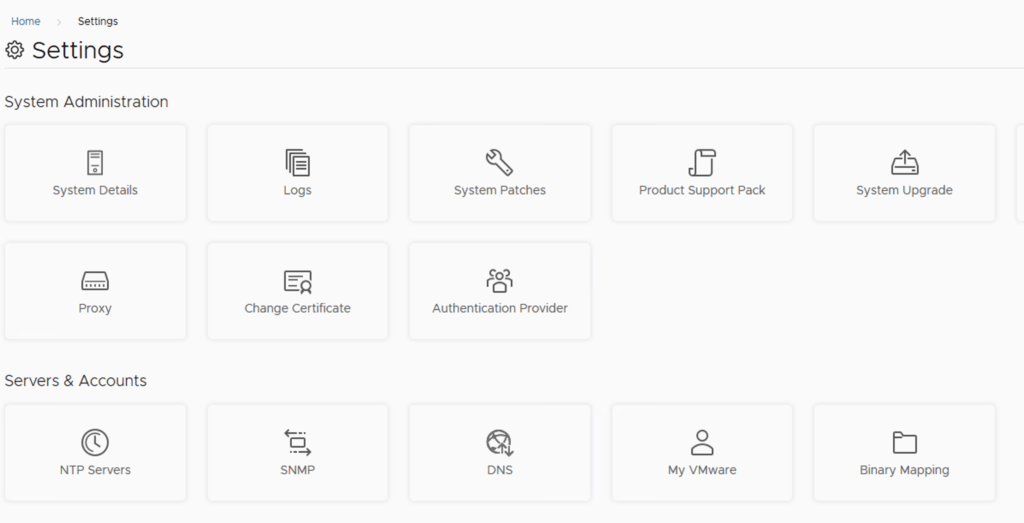
In this guide i will go over the steps of getting an existing 8.x vRSLCM appliance to support the latest product releases available. Here is a great blog that goes in to the details about what the Product Support Pack is https://blogs.vmware.com/management/2019/01/vrslcm-pspak.html. Typically the newer Product Support Pack is included part of the upgrade for LCM, however sometimes there are product releases in between releases where product support packs come in handy. ...
August 4, 2021 · 1 min · Cosmin
Article cover image

Patching vRSLCM (vRealize Lifecycle Manager) to 8.4.1.1 Patch 1

In this guide i will go over the steps of getting an existing 8.x vRSLCM appliance upgraded to the latest 8.4.1 Patch 1 release. The release notes can be found here The first step is to lo in to vRealize Suite Lifecycle Manager under the Lifecycle Operations section Go to settings -> Binary Mapping Click on Patch Binaries up top and click on Check Patches Online We can see that the check found a new patch ...

August 4, 2021 · 1 min · Cosmin
Article cover image

Upgrading vRSLCM (vRealize Lifecycle Manager) to 8.4.1.1

In this guide i will go over the steps of getting an existing 8.x vRSLCM appliance upgraded to the latest 8.4 release. The release notes can be found here The first step is to lo in to vRealize Suite Lifecycle Manager under the Lifecycle Operations section Go to settings -> System Upgrade Click on Check for Upgrade We can see that the check found a new version available for 8.4.1.1 ...

August 4, 2021 · 1 min · Cosmin
Article cover image

Changing passwords for the vRealize suite via vRSLCM (vRealize Suite Lifecycle Manager)

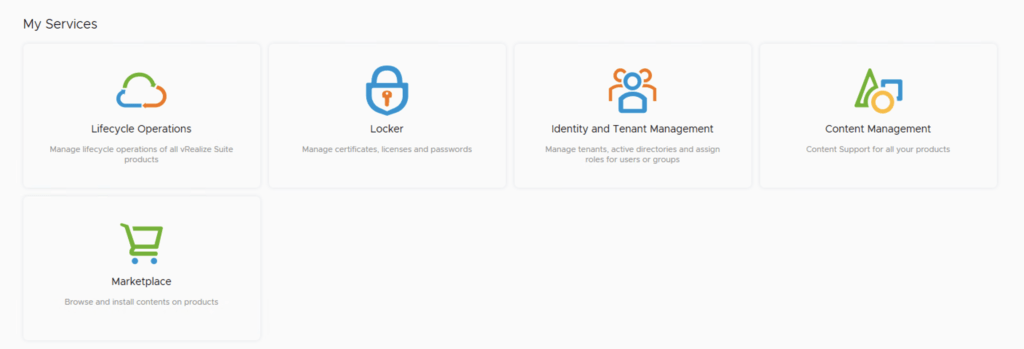
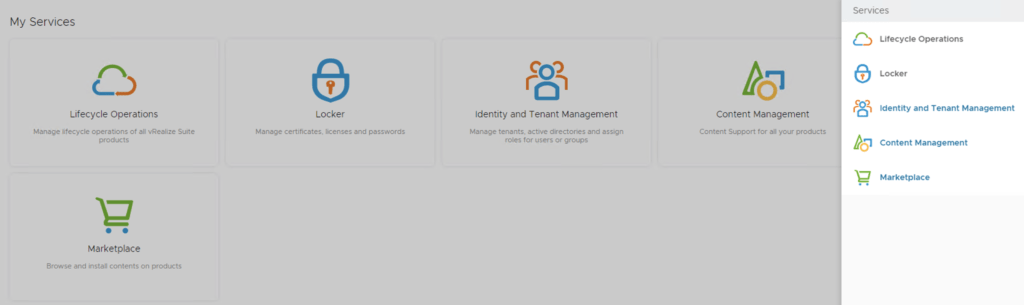
In this guide i will go over one of the Locker feature in vRealize Lifecycle Manager specifically the password management. As a reminder vRSLCM can manage the following: Type of Password Change vRealize Product Name Admin Password Change vRealize Automation, vRealize Operations Manager, vRealize Network Insight, vRealize Log Insight, VMware Identity Manager Root Password Change vRealize Automation, vRealize Operations Manager, vRealize Network Insight, vRealize Log Insight, VMware Identity Manager Support Password Change vRealize Network Insight Console User Password Change vRealize Network Insight SSH User Password Change VMware Identity Manager The first step is to create a new password. We can do so by going to Locker from the welcome screen or the menu on top right ...

May 19, 2021 · 2 min · Cosmin
Article cover image

Upgrading vRA (vRealize Automation) to 8.4

In this post i will go over upgrading my 8.x vRA appliance to 8.4. As a pre requirement we do need to have vRSLCM (vRealize Lifecycle Manager) upgraded to 8.4. Instructions can be found here To get started we can go to vRealize Lifecycle Manager -> Lifecycle Operations -> Settings -> Binary Mapping. (If you havent added your My VMware credentials you will need to do that first by going to vRealize Lifecycle Manager -> Lifecycle Operations -> Settings -> My VMware) ...

May 19, 2021 · 2 min · Cosmin
Article cover image

Upgrading vRSLCM (vRealize Lifecycle Manager) to 8.4

In this guide i will go over the steps of getting an existing 8.x vRSLCM appliance upgraded to the latest 8.4 release. The release notes can be found here The first step is to lo in to vRealize Suite Lifecycle Manager under the Lifecycle Operations section Go to settings -> System Upgrade Click on Check for Upgrade We can see that the check found a new version available for 8.4 ...

May 19, 2021 · 1 min · Cosmin
Article cover image

vIDM 3.3.4 online upgrade

I wanted to go through the upgrade of vIDM 3.3.4 outside of lifecycle manager. I wanted to do it using the online upgrade via the console. Official documentation can be found here. First step is to log on to the console via the root credentials and upgrade the upgrade manager to 3.3.4 /usr/local/horizon/update/updatemgr.hzn updateinstaller Set the upgrade version that you are upgrading from in my case was 3.3.2 so i ran ...

February 17, 2021 · 1 min · Cosmin
Article cover image

Upgrading vRA (vRealize Automation) to 8.3

In this post i will go over upgrading my 8.2 vRA appliance to 8.3. As a pre requirement we do need to have vRSLCM (vRealize Lifecycle Manager) upgraded to 8.3. Instructions can be found here To get started we can go to vRealize Lifecycle Manager -> Lifecycle Operations -> Settings -> Binary Mapping. (If you havent added your My VMware credentials you will need to do that first by going to vRealize Lifecycle Manager -> Lifecycle Operations -> Settings -> My VMware) ...

February 4, 2021 · 2 min · Cosmin
Article cover image

Upgrading vRSLCM (vRealize Lifecycle Manager) to 8.3

In this guide i will go over the steps of getting an existing 8.x vRSLCM appliance upgraded to the latest 8.3 release The first step is to lo in to vRealize Suite Lifecycle Manager under the Lifecycle Operations section Go to settings -> System Upgrade Click on Check for Upgrade We can see that the check found a new version available for 8.3 Click on Upgrade ...

February 4, 2021 · 1 min · Cosmin
Article cover image

Deploying SaltStack Config via Lifecycle Manager in a VRA environment

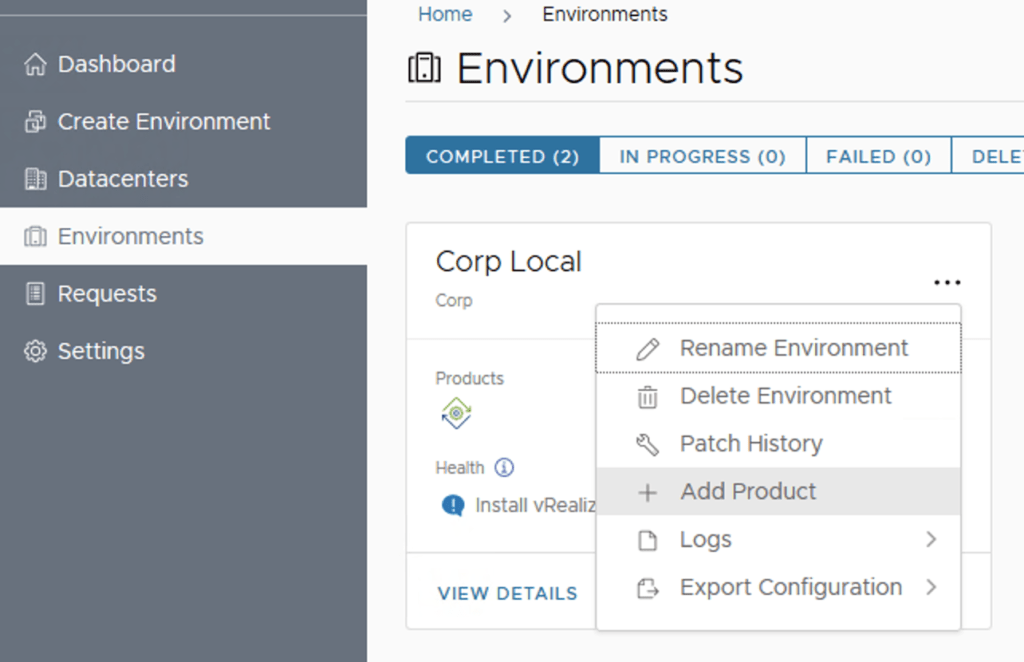
Assuming that you already downloaded the SaltStack Config binaries in this guide we will go over the deployment of SaltStack Config in an existing VRA 8.3 environment via Lifecycle Manager 8.3 Log on to Lifecycle Manager -> Go to environments, on the vRA environment click on the Menu and go to Add Product Select the checkbox next to vRealize Automation SaltStack Config and click Next Review the EULA, click on the agree box on the bottom of the page and click on next ...

February 2, 2021 · 2 min · Cosmin