I recently purchased one of the newer Mac mini devices with the new M1 chipset. Unfortunately I went with the lower edition that had 256 GB and I wanted to send it back to purchase the bigger 512 GB edition, but I wanted to clean my installation.
In order to to boot in the recovery mode to reinstall the os I had to perform the following steps:
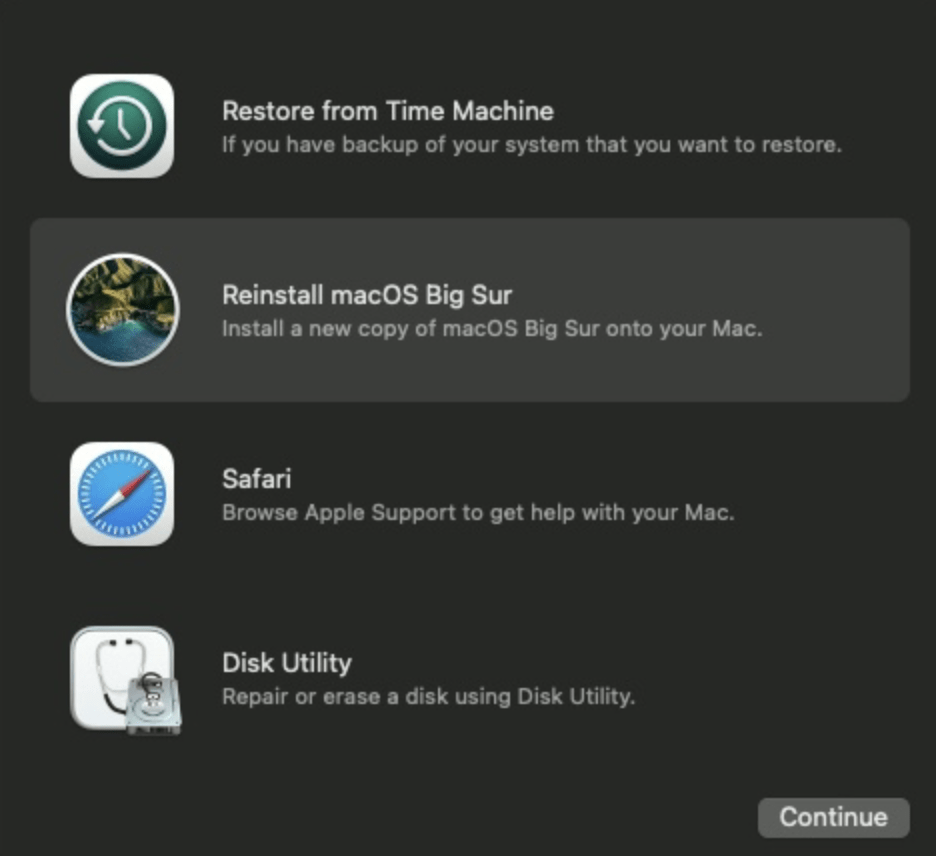
Make sure the Mac mini is off, if its not off just shut it off Hold the power button until the options appear, it might seem like a long time but keep holding it. It took about 15 seconds for me. A menu should appear that shows the hard drive and Options. Select options and continue You will see the apple logo and then a new menu should appear with additional options. It would look like this: ...