Article cover image

Installing an vROPS management pack via vRSLCM

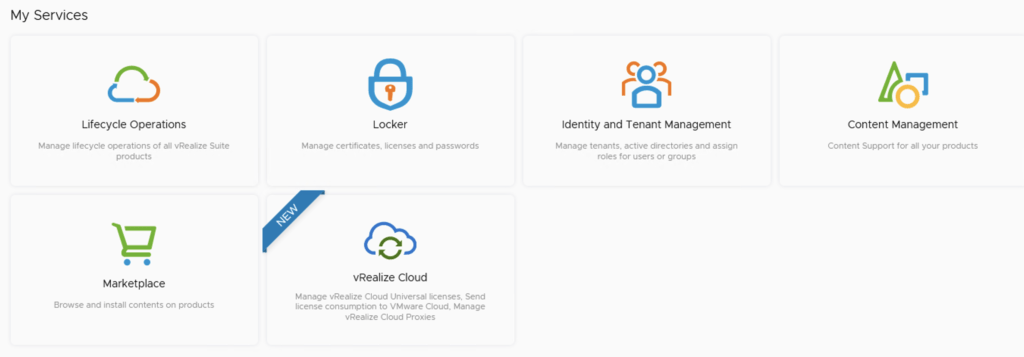
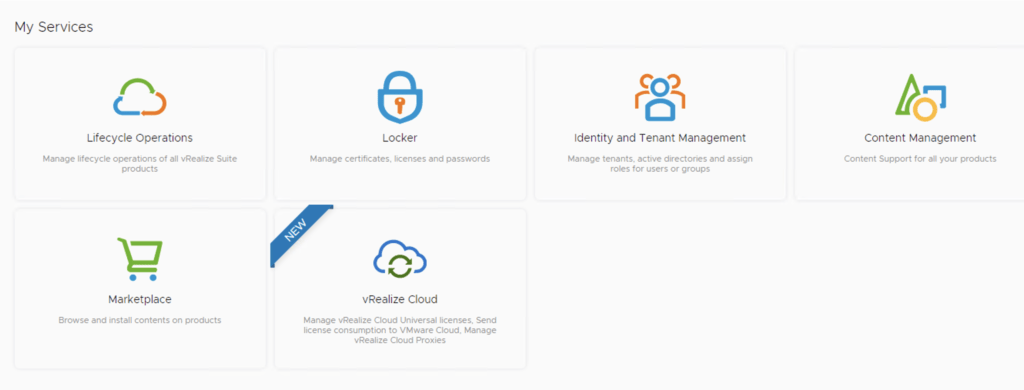
This post we will be going over installing an vROPS management pack via vRSLCM. (If you haven’t added your My VMware credentials you will need to do that first by going to vRealize Lifecycle Manager -> Lifecycle Operations -> Settings -> My VMware) Once logged on to vRSLCM click on the marketplace. Alternatively we can also navigate to the marketplace by navigating to it via the side menu ...
April 2, 2022 · 2 min · Cosmin
Article cover image

Upgrading vROPS (vRealize Operations Manager) to 8.6.2 via vRSLCM

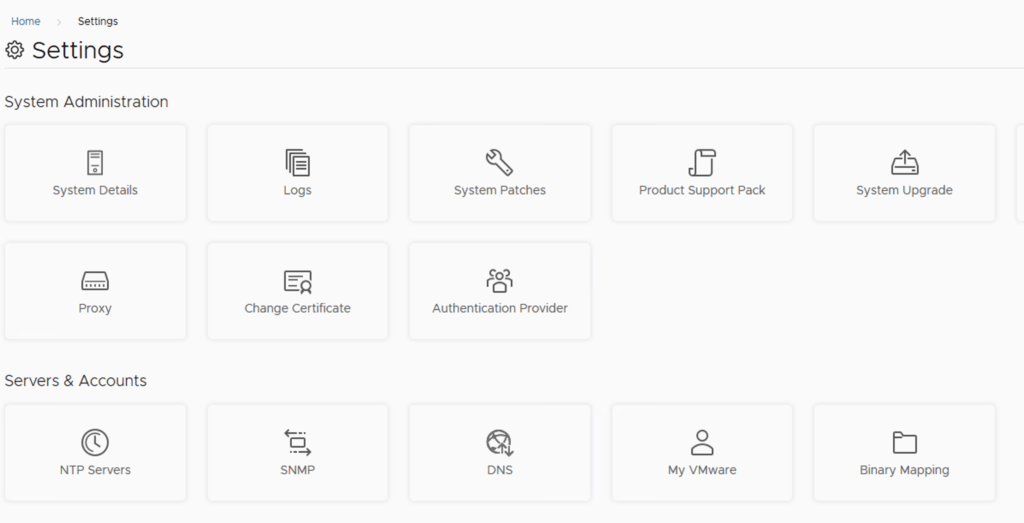
In this post i will go over upgrading my 8.x vROPS appliance to 8.6.2 using vRSLCM (vRealize Suite Lifecycle Manager). As a pre requirement we do need to have vRSLCM (vRealize Lifecycle Manager) upgraded to 8.6.2 or 8.7 Instructions can be found here. The upgrade already includes the latest Product Support Pack so an update to the Product Support Pack is not required. To get started we can go to vRealize Lifecycle Manager -> Lifecycle Operations -> Settings -> Binary Mapping. (If you haven’t added your My VMware credentials you will need to do that first by going to vRealize Lifecycle Manager -> Lifecycle Operations -> Settings -> My VMware) ...

April 2, 2022 · 3 min · Cosmin
Article cover image

Upgrading vRLI (vRealize Log Insight) to 8.6.2 via vRSLCM

In this post i will go over upgrading my 8.x vRLI appliance to 8.6.2 using vRSLCM (vRealize Suite Lifecycle Manager). As a pre requirement we do need to have vRSLCM (vRealize Lifecycle Manager) upgraded to 8.6.2 or 8.7. Instructions can be found here. The upgrade already includes the latest Product Support Pack so an update to the Product Support Pack is not required. To get started we can go to vRealize Lifecycle Manager -> Lifecycle Operations -> Settings -> Binary Mapping. (If you haven’t added your My VMware credentials you will need to do that first by going to vRealize Lifecycle Manager -> Lifecycle Operations -> Settings -> My VMware) ...

April 2, 2022 · 2 min · Cosmin
Article cover image

Upgrading vIDM (VMware Identity Manager ) to 3.3.6 via vRSLCM

In this post i will go over upgrading my 3.3.5 vIDM appliance to 3.3.6 using vRSLCM (vRealize Suite Lifecycle Manager). If you want to upgrade to LCM 8.6 instructions can be found here. The upgrade already includes the latest Product Support Pack so an update to the Product Support Pack is not required. To get started we can go to vRealize Lifecycle Manager -> Lifecycle Operations -> Settings -> Binary Mapping. (If you haven’t added your My VMware credentials you will need to do that first by going to vRealize Lifecycle Manager -> Lifecycle Operations -> Settings -> My VMware) ...

April 1, 2022 · 2 min · Cosmin
Article cover image

Skip-Level Upgrading VCF 4.3.1 to 4.4 Step by Step

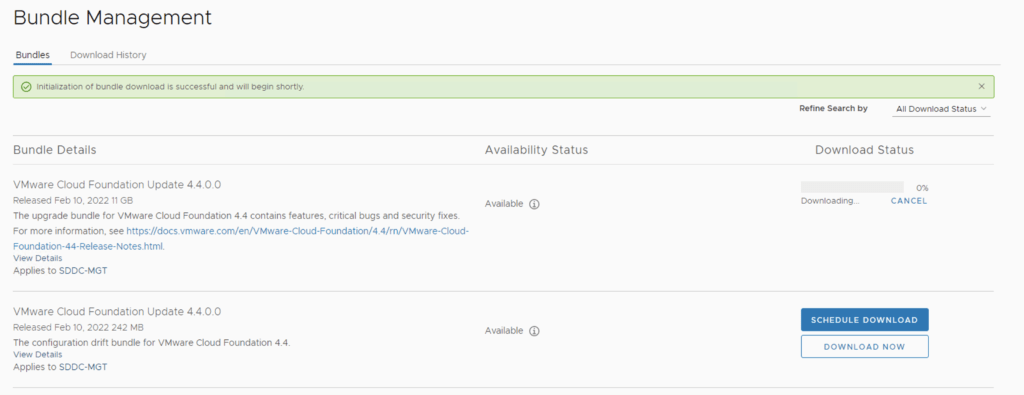
With the release of of VCF 4.4 i wanted to get my lab upgraded. The release blog can be found here and the release notes are here In order to get to 4.3.1.0 in the past we had to upgrade to each version incrementally. As per the documentation found here we can now upgrade from any release past 4.1.0.1 directly to 4.4 skipping the releases in between. We can do so by going to Repository -> Bundle management -> Download now. ...

March 31, 2022 · 3 min · Cosmin
Article cover image

Upgrading vRA (vRealize Automation) to 8.7

In this post i will go over upgrading my 8.x vRA appliance to 8.7. As a pre requirement we do need to have vRSLCM (vRealize Lifecycle Manager) upgraded to 8.7. Instructions can be found here. The upgrade already includes the latest Product Support Pack so an update to the Product Support Pack is not required. To get started we can go to vRealize Lifecycle Manager -> Lifecycle Operations -> Settings -> Binary Mapping. (If you haven’t added your My VMware credentials you will need to do that first by going to vRealize Lifecycle Manager -> Lifecycle Operations -> Settings -> My VMware) ...

March 24, 2022 · 3 min · Cosmin
Article cover image

Upgrading vRNI (vRealize Network Insight) to 6.5.1 via vRSLCM

In this post i will go over upgrading my 6.x vRNI appliance to 6.5.1 using vRSLCM (vRealize Suite Lifecycle Manager). As a pre requirement we do need to have vRSLCM (vRealize Lifecycle Manager) upgraded to 8.7. Instructions can be found here. The upgrade already includes the latest Product Support Pack so an update to the Product Support Pack is not required. To get started we can go to vRealize Lifecycle Manager -> Lifecycle Operations -> Settings -> Binary Mapping. (If you haven’t added your My VMware credentials you will need to do that first by going to vRealize Lifecycle Manager -> Lifecycle Operations -> Settings -> My VMware) ...

March 23, 2022 · 2 min · Cosmin
Article cover image

Upgrading SSC (SaltStack Config) to 8.7

In this post i will go over upgrading my 8.x SSC appliance to 8.7. As a pre requirement we do need to have vRSLCM (vRealize Lifecycle Manager) upgraded to 8.7. Instructions can be found here. The upgrade already includes the latest Product Support Pack so an update to the Product Support Pack is not required. To get started we can go to vRealize Lifecycle Manager -> Lifecycle Operations -> Settings -> Binary Mapping. (If you haven’t added your My VMware credentials you will need to do that first by going to vRealize Lifecycle Manager -> Lifecycle Operations -> Settings -> My VMware) ...

March 23, 2022 · 2 min · Cosmin
Article cover image

Upgrading vRSLCM (vRealize Lifecycle Manager) to 8.7

In this guide i will go over the steps of getting an existing 8.x vRSLCM appliance upgraded to the latest 8.7 release. The release notes can be found here The first step is to lo in to vRealize Suite Lifecycle Manager under the Lifecycle Operations section Go to settings -> System Upgrade Click on Check for Upgrade We can see that the check found a new version available for 8.7 ...

March 23, 2022 · 1 min · Cosmin
Article cover image

Change Delete old snapshot restriction from 7 days in Automation Central

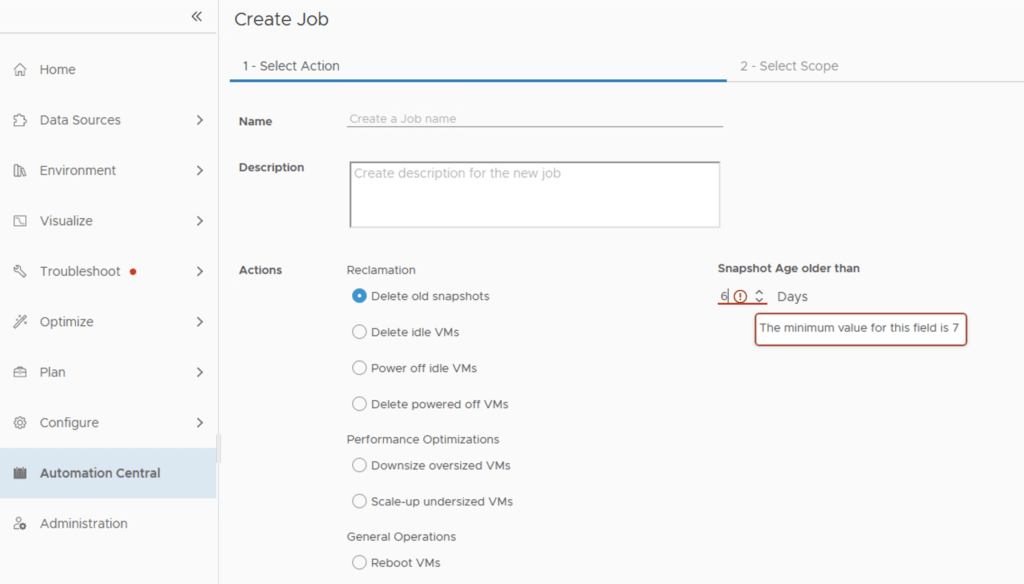
I recently ran through an issue where i wanted to automatically delete snapshots after 5 days instead of the default 7 days that comes out of box in automation central. I wanted to change delete old snapshot restriction from 7 days to 5 days. It seems like the restriction comes from the Reclaim Settings. In order to change it we can go to Optimize -> Reclaim -> Settings ...

February 2, 2022 · 1 min · Cosmin
VCF Assistant
Hi! I'm the VCF Assistant. Ask me anything about VMware Cloud Foundation, ESXi, vCenter, NSX, Aria Suite, or infrastructure automation.