Article cover image

SSC 8.8 Authentication failed: no Authorization header

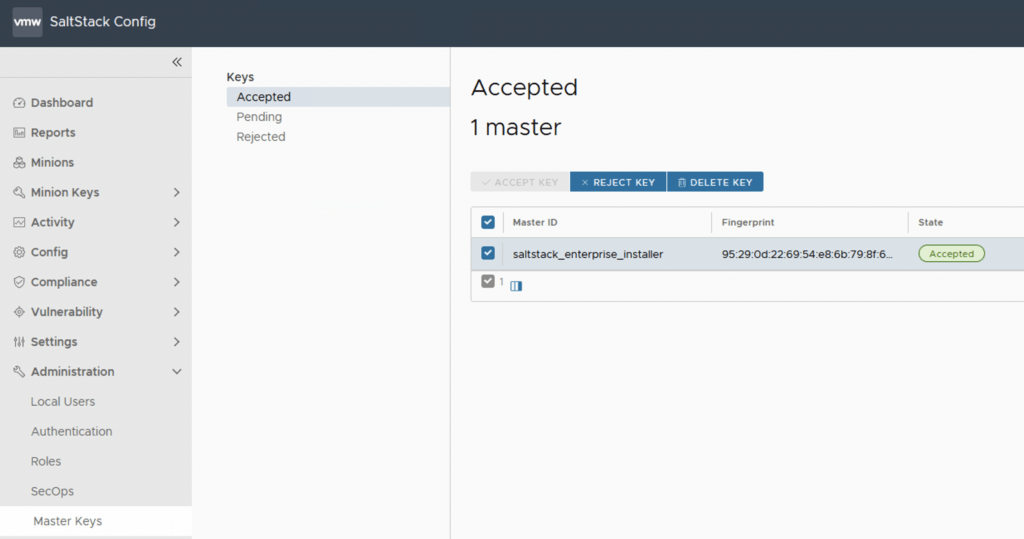
I recently upgraded my LCM deployed SSC server to 8.8.x. If you need a guide to go through the upgrade you can find my other post here. After the upgrade was completed i was noticing strange behavior in the SSC UI so i checked the status the of the services. Here are the errors i found and how i fixed them The first step was to check the status of the service ...
July 17, 2022 · 4 min · Cosmin
Article cover image

Patching\Upgrading ESXi 7 to ESXi7U1 via esxcli

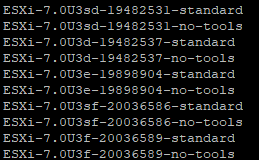
With the latest release of ESXi7U1 i wanted to get my lab up to date. I dont have enough resources in my lab to migrate the vCenter to another ESXi server so i want to perform the upgrade via cli. More details about the release can found here The first step was to open the firewall for outgoing traffic for http esxcli network firewall ruleset set -e true -r httpClient Second step was to list the updates by executing ...

July 17, 2022 · 1 min · Cosmin
Article cover image

Upgrading vRA (vRealize Automation) to 8.8.2

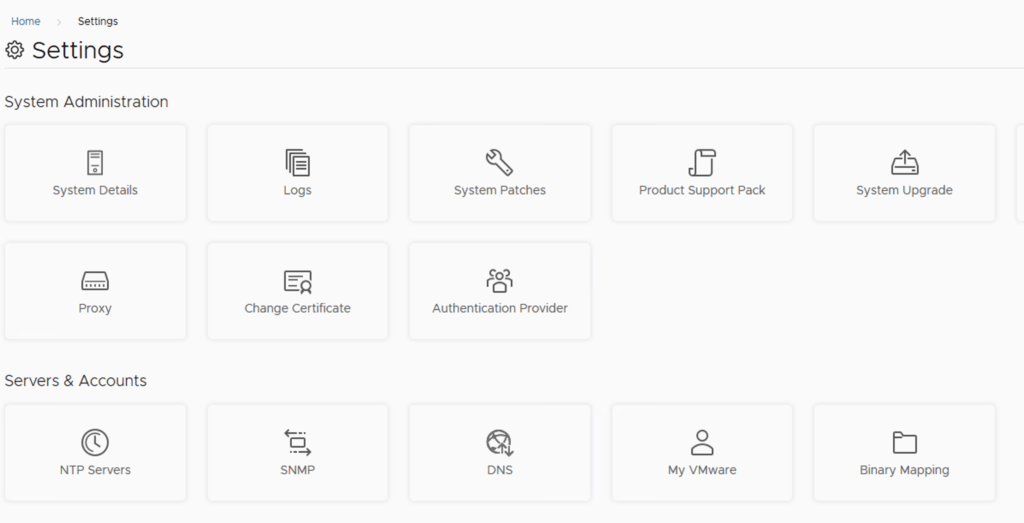
In this post i will go over upgrading my 8.x vRA appliance to 8.8.2. As a pre requirement we do need to have vRSLCM (vRealize Lifecycle Manager) upgraded to 8.8.2 Instructions can be found here. The upgrade already includes the latest Product Support Pack so an update to the Product Support Pack is not required. To get started we can go to vRealize Lifecycle Manager -> Lifecycle Operations -> Settings -> Binary Mapping. (If you haven’t added your My VMware credentials you will need to do that first by going to vRealize Lifecycle Manager -> Lifecycle Operations -> Settings -> My VMware) ...

July 13, 2022 · 3 min · Cosmin
Article cover image

Upgrading vRLI (vRealize Log Insight) to 8.8.2 via vRSLCM

In this post i will go over upgrading my 8.x vRLI appliance to 8.8.2 using vRSLCM (vRealize Suite Lifecycle Manager). As a pre requirement we do need to have vRSLCM (vRealize Lifecycle Manager) upgraded to 8.8.2. Instructions can be found here. The upgrade already includes the latest Product Support Pack so an update to the Product Support Pack is not required. To get started we can go to vRealize Lifecycle Manager -> Lifecycle Operations -> Settings -> Binary Mapping. (If you haven’t added your My VMware credentials you will need to do that first by going to vRealize Lifecycle Manager -> Lifecycle Operations -> Settings -> My VMware) ...

July 13, 2022 · 2 min · Cosmin
Article cover image

Upgrading SSC (SaltStack Config) to 8.8.2 using vRSLCM

In this post i will go over upgrading my 8.x SSC appliance to 8.8.2. As a pre requirement we do need to have vRSLCM (vRealize Lifecycle Manager) upgraded to 8.8.2. Instructions can be found here. The upgrade already includes the latest Product Support Pack so an update to the Product Support Pack is not required. To get started we can go to vRealize Lifecycle Manager -> Lifecycle Operations -> Settings -> Binary Mapping. (If you haven’t added your My VMware credentials you will need to do that first by going to vRealize Lifecycle Manager -> Lifecycle Operations -> Settings -> My VMware) ...

July 13, 2022 · 2 min · Cosmin
Article cover image

Upgrading vRSLCM (vRealize Lifecycle Manager) to 8.8.2

In this guide i will go over the steps of getting an existing 8.x vRSLCM appliance upgraded to the latest 8.8.2 release. The release notes can be found here The first step is to log in to vRealize Suite Lifecycle Manager under the Lifecycle Operations section Go to settings -> System Upgrade Click on Check for Upgrade We can see that the check found a new version available for 8.8.2 ...

July 13, 2022 · 1 min · Cosmin
Article cover image

vRealize Lifecycle Manager (vRSLCM) 8 certificate management

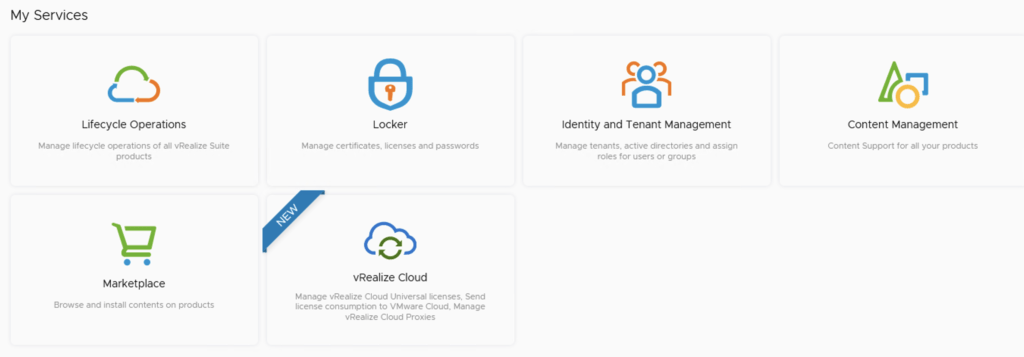
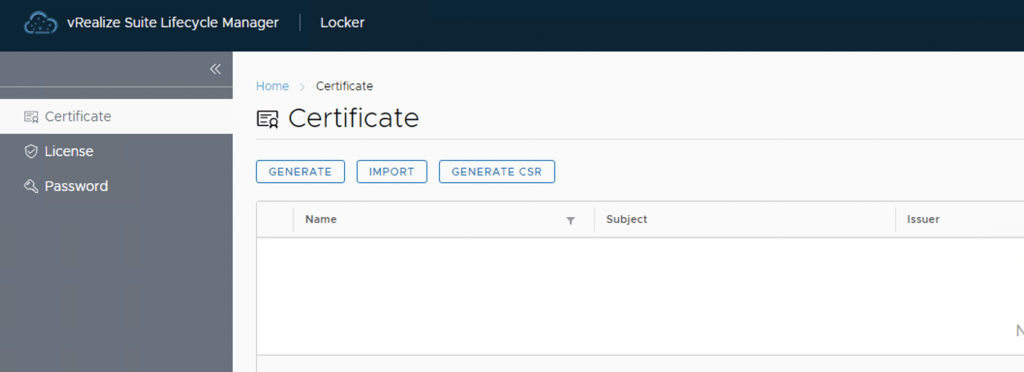
vRealize Lifeycycle Manager (vRSLCM) come with a Certificate Management feature. We can access the certificate management from Home -> Locker -> Certificate We can generate Self Signed certificates for products managed by Lifecycle Manager as well as certificate requests to be signed by a certification authority Generate a new CSR Download the CSR and take it to the certified authority, in my case im using a Microsoft server /certsrv/certrqxt.asp ...

June 6, 2022 · 1 min · Cosmin
Article cover image

Deploying vRA 8.8 using the Easy Installer

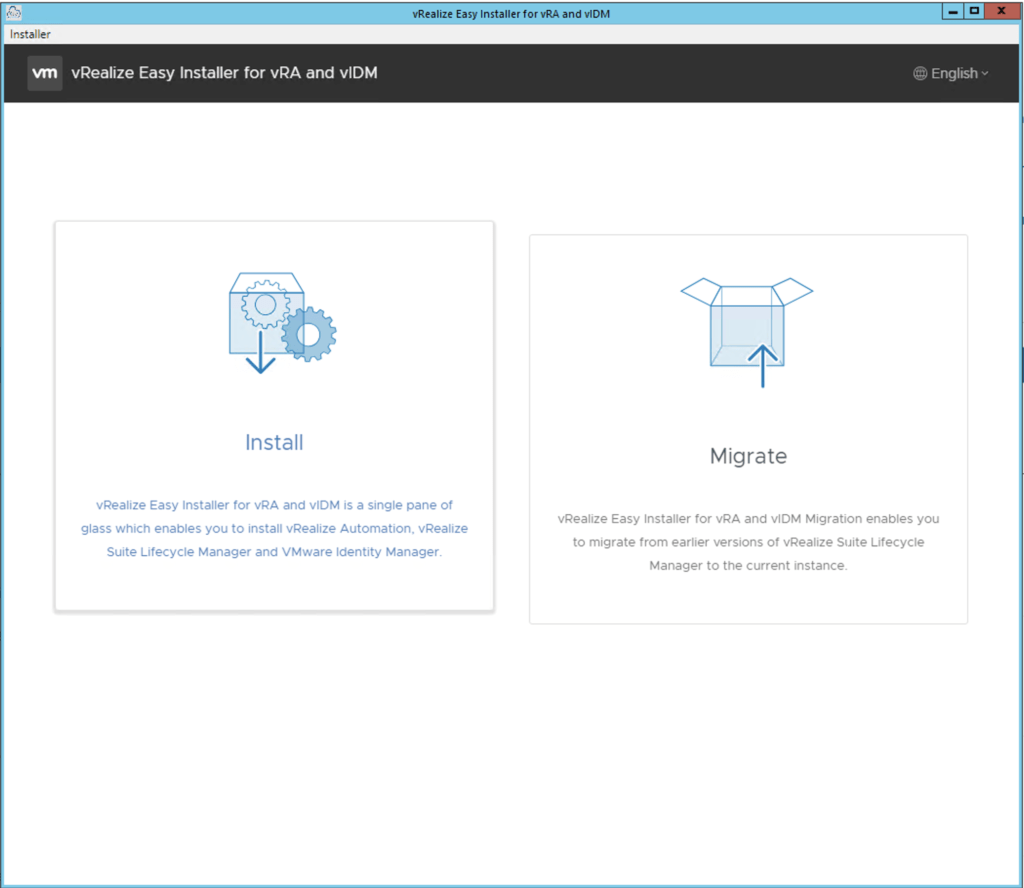
In this guide i will go over the deployment of vRA 8.8 using the Easy Installer. The reason i like the Easy Installer is because it deploys everything that i need. vIDM, Lifecycle Manager as well as vRA. To get started we need to download the installer from here. Once downloaded mount the iso as a drive using your favorite tool or extract it as a archive using something like 7-zip Once mounted go to the CDROM in the mac directory if on mac or win32 if you are on windows. In here run the installer file ...

June 6, 2022 · 4 min · Cosmin

ccp-backups folder missing in NSX-T backup

If you like me tried to to cleanup the backups in NSX-T and ran into error Cleanup script works only in folders, that contains subfolders "cluster-node-backups", "ccp-backups" and "inventory-summary" this post is for you. I was trying to cleanup the backups before going to the next major release of nsx and i kept getting an error running the nsx_backup_cleaner.py script. It would seem that the ccp-backups folder has been removed from the backup job so it simply doesn’t exist. VMware did fix the script with the 3.2 release. ...

June 6, 2022 · 4 min · Cosmin
Article cover image

vCLS not starting with Failed - Feature 'cpuid.mwait' was absent, but must be present error

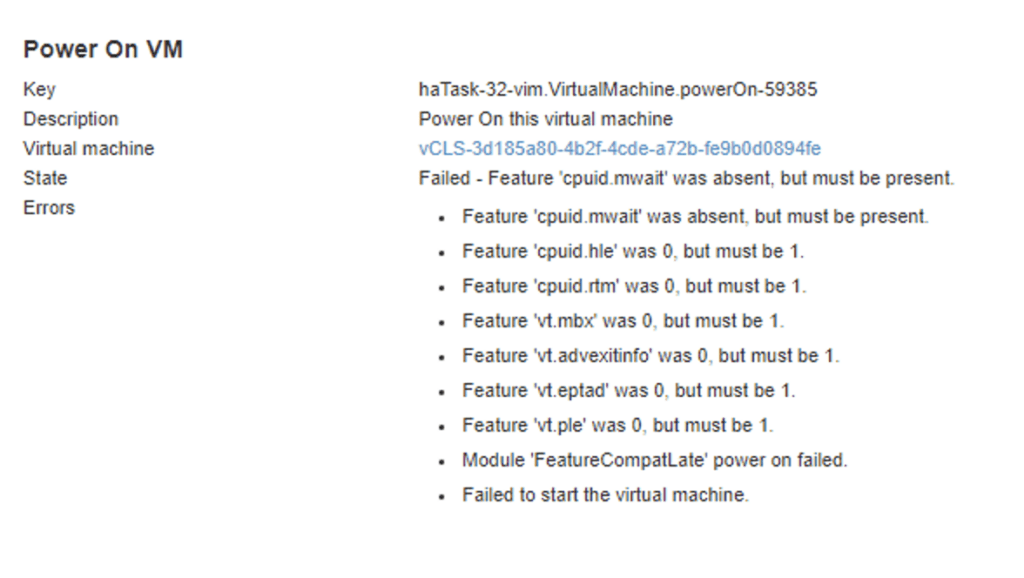
With the release of vCenter 7 Update 1, VMware introduced the vCLS (vSphere Clustering Service). More information can be found here. Looking at the error details it looks like it is looking for a feature called cpuid.mwait Reviewing the VMX file it seems like EVC is enabled on the vCLS VMs. I didnt want to enable EVC on the whole cluster so i wanted to do it only on the specific VMs. ...

June 6, 2022 · 1 min · Cosmin
VCF Assistant
Hi! I'm the VCF Assistant. Ask me anything about VMware Cloud Foundation, ESXi, vCenter, NSX, Aria Suite, or infrastructure automation.