Change or update vRealize Automation 8 License key
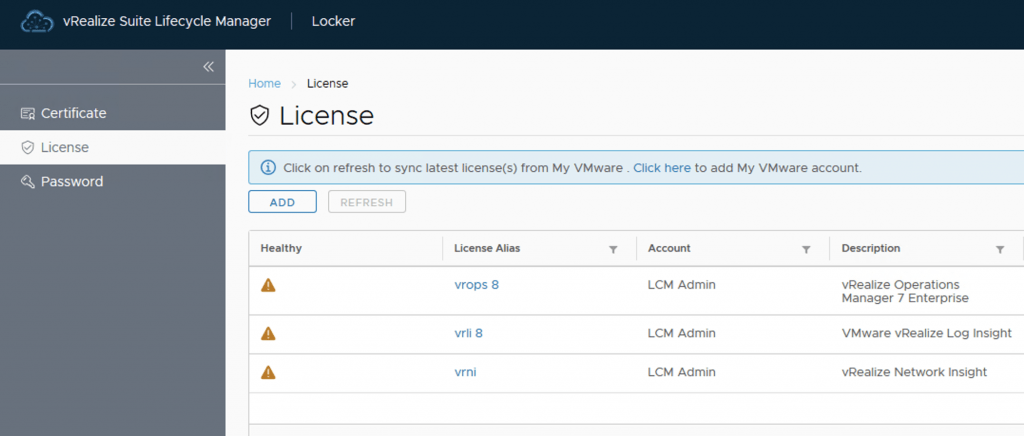
After a recent deployment of VRA 8 with a trial key in my lab i realized that my key was about to expire. It was time to get it changed with my production key. The key can be changed via Lifecycle Manager or via CLI. Changing the vRealize Automation 8 License key via Lifecycle Manager To change the license via lifecycle manager we need to go to Lifeycle Manager -> Locker -> License ...